













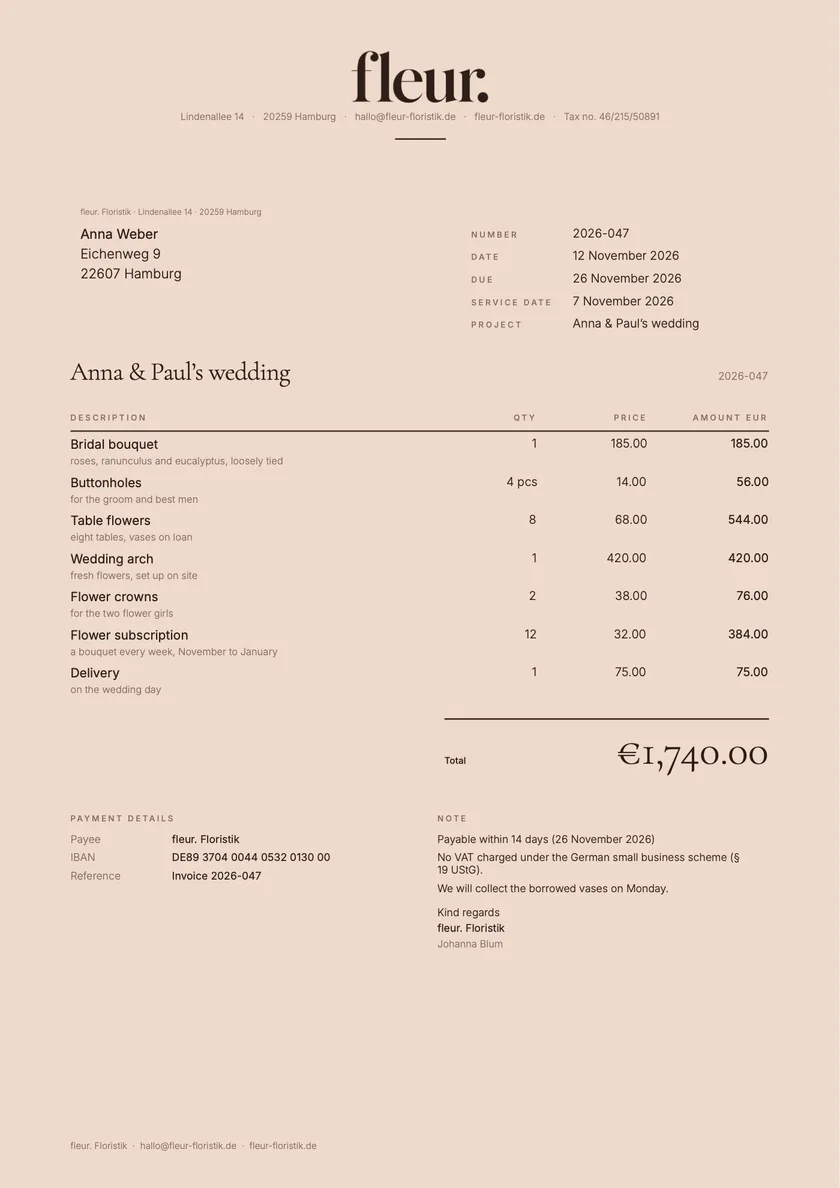

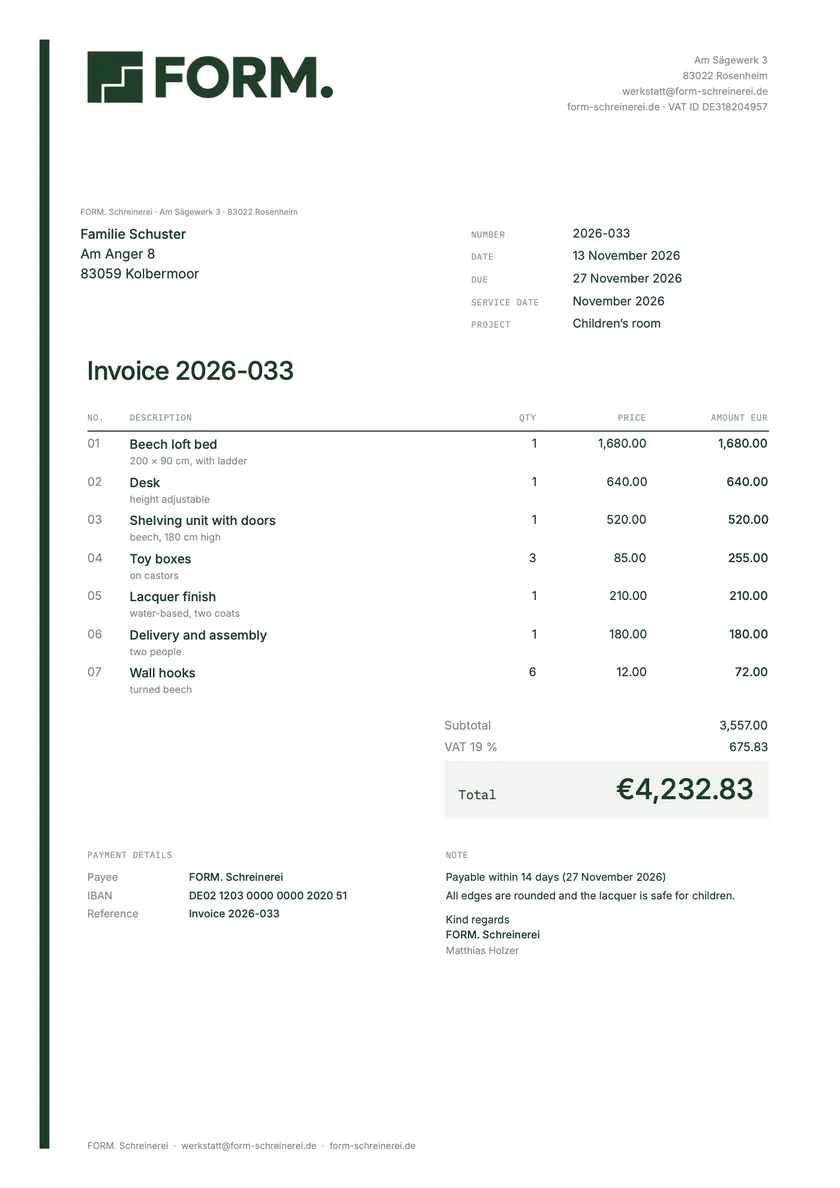
Faster with the keyboard.
The main commands are in the «File» menu, with shortcuts. They also work on iPad with a keyboard.
⌘N
New invoice«File» menu
⇧⌘N
New quote«File» menu
⌘,
Settings«Paidoo» menu

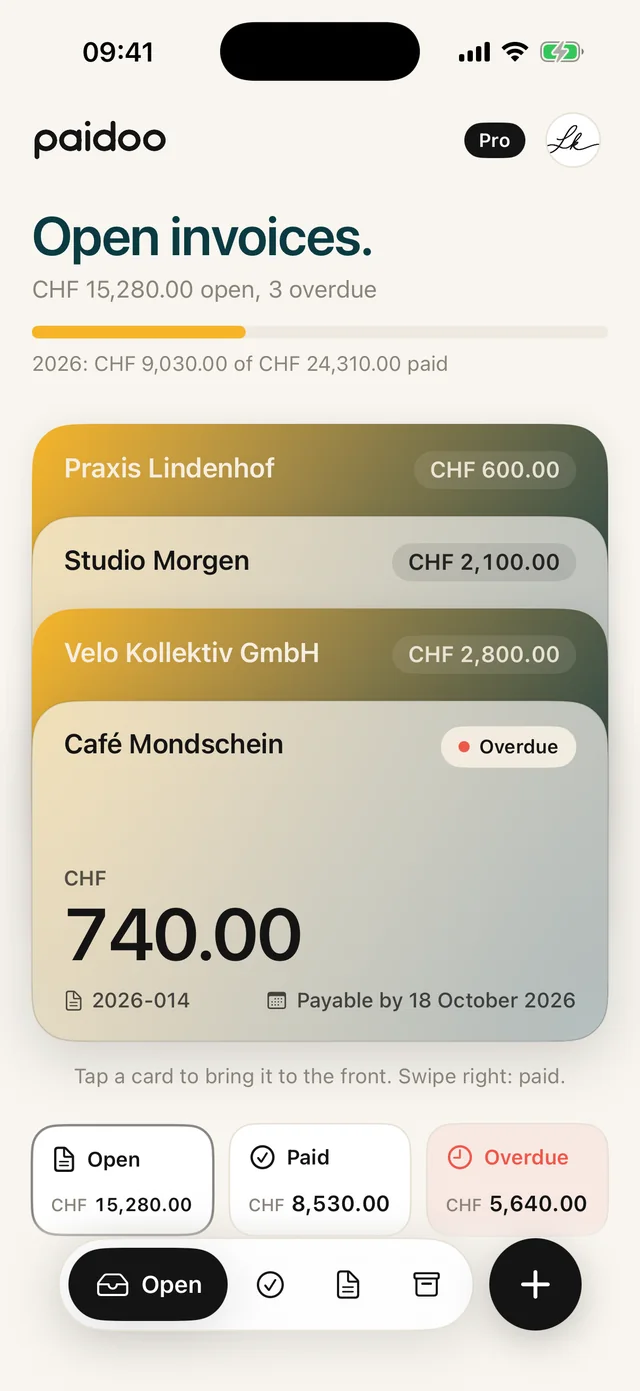
Paidoo runs on Mac from macOS 26: with a sidebar, tables and a large preview. With iCloud you have the same invoices on iPhone and iPad too, and one purchase covers all three.
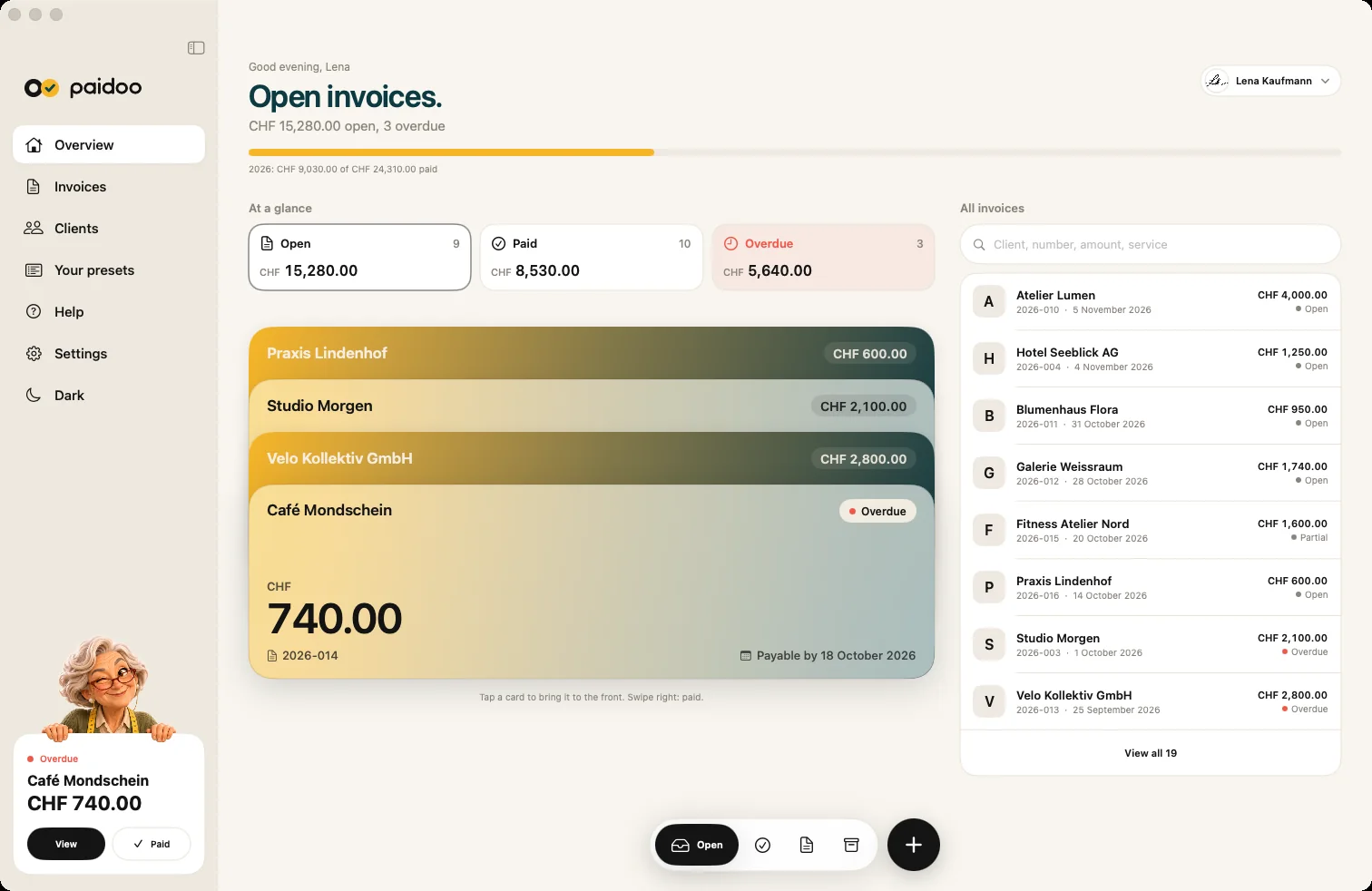
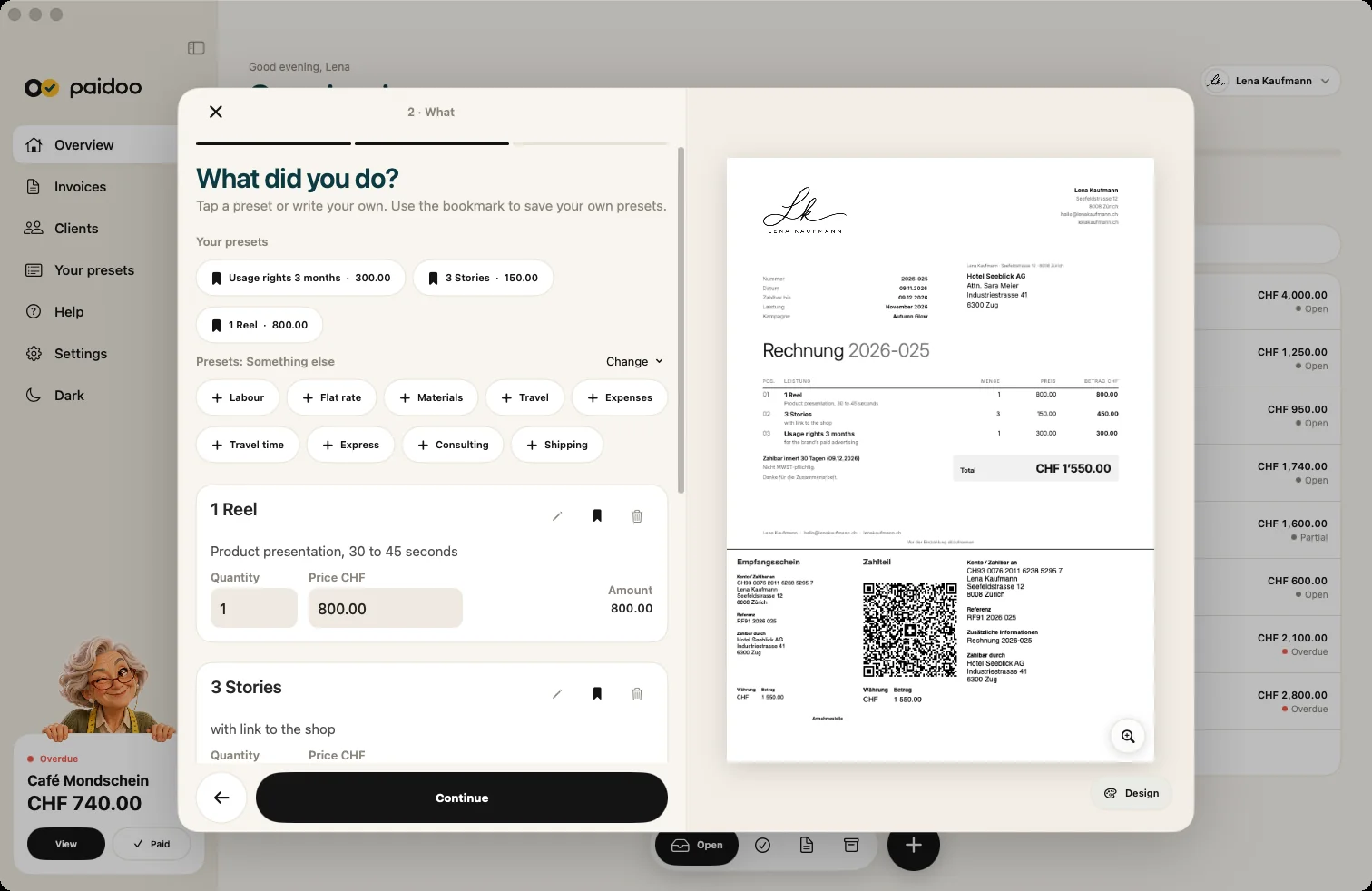
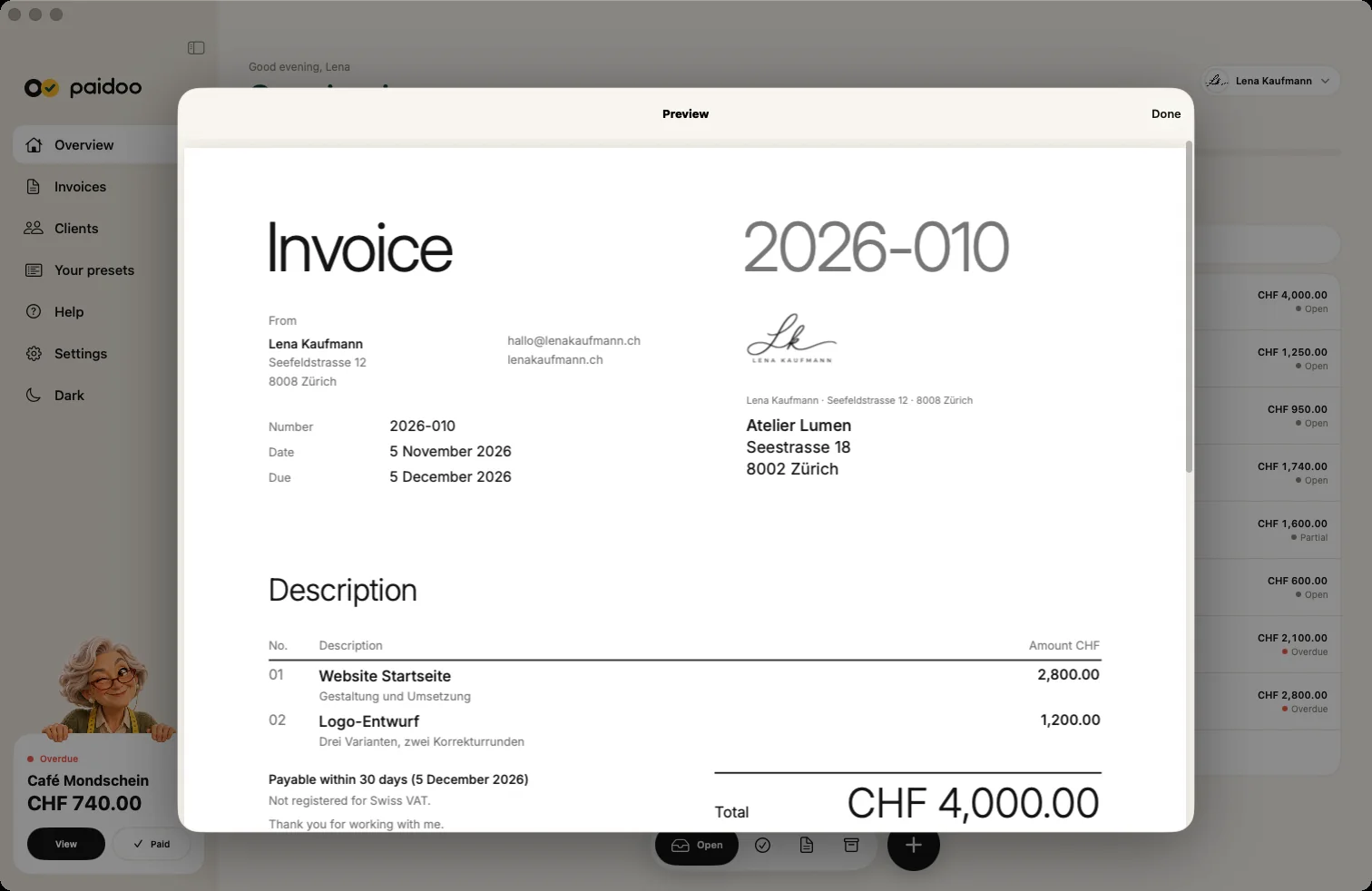
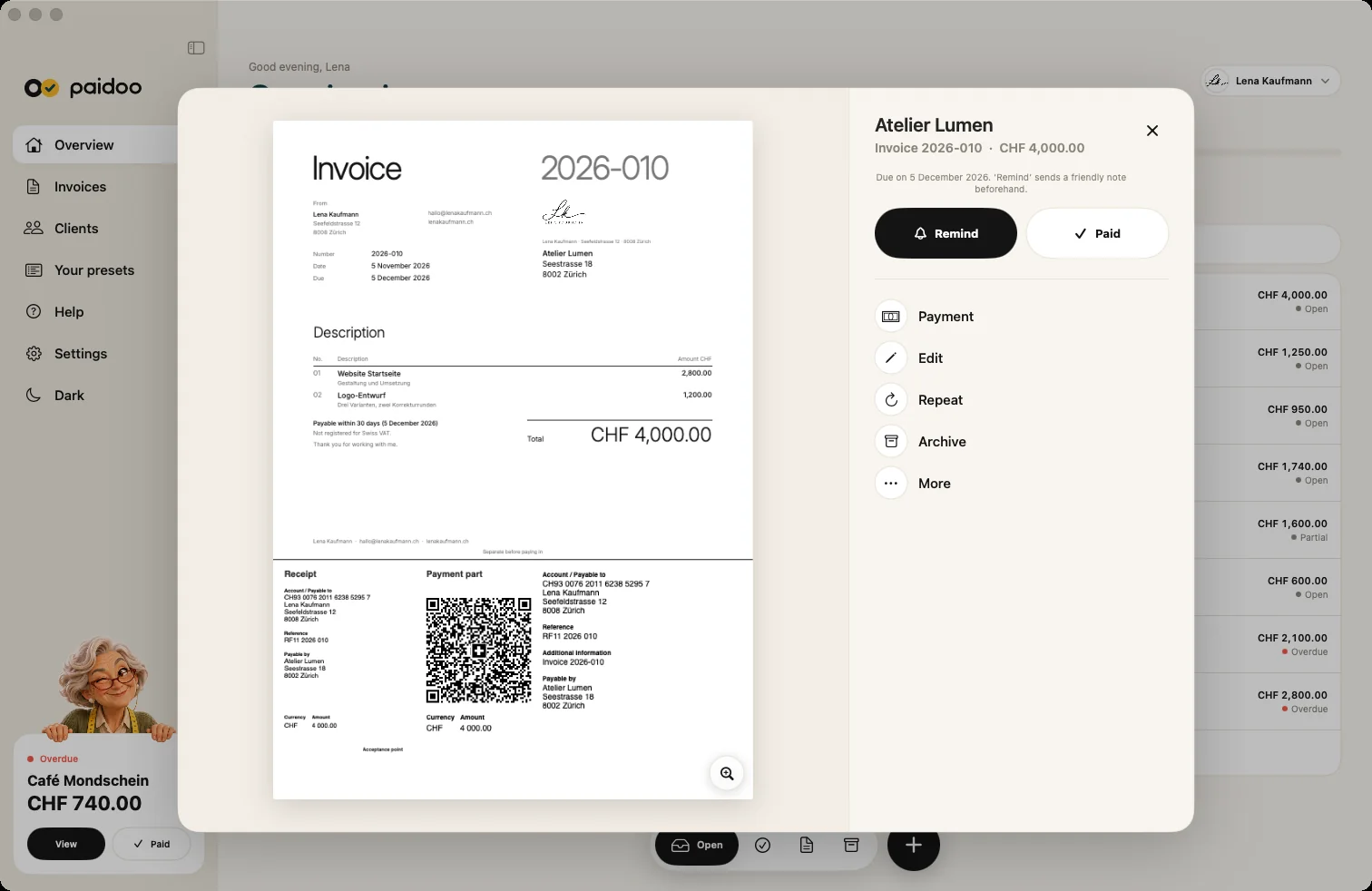
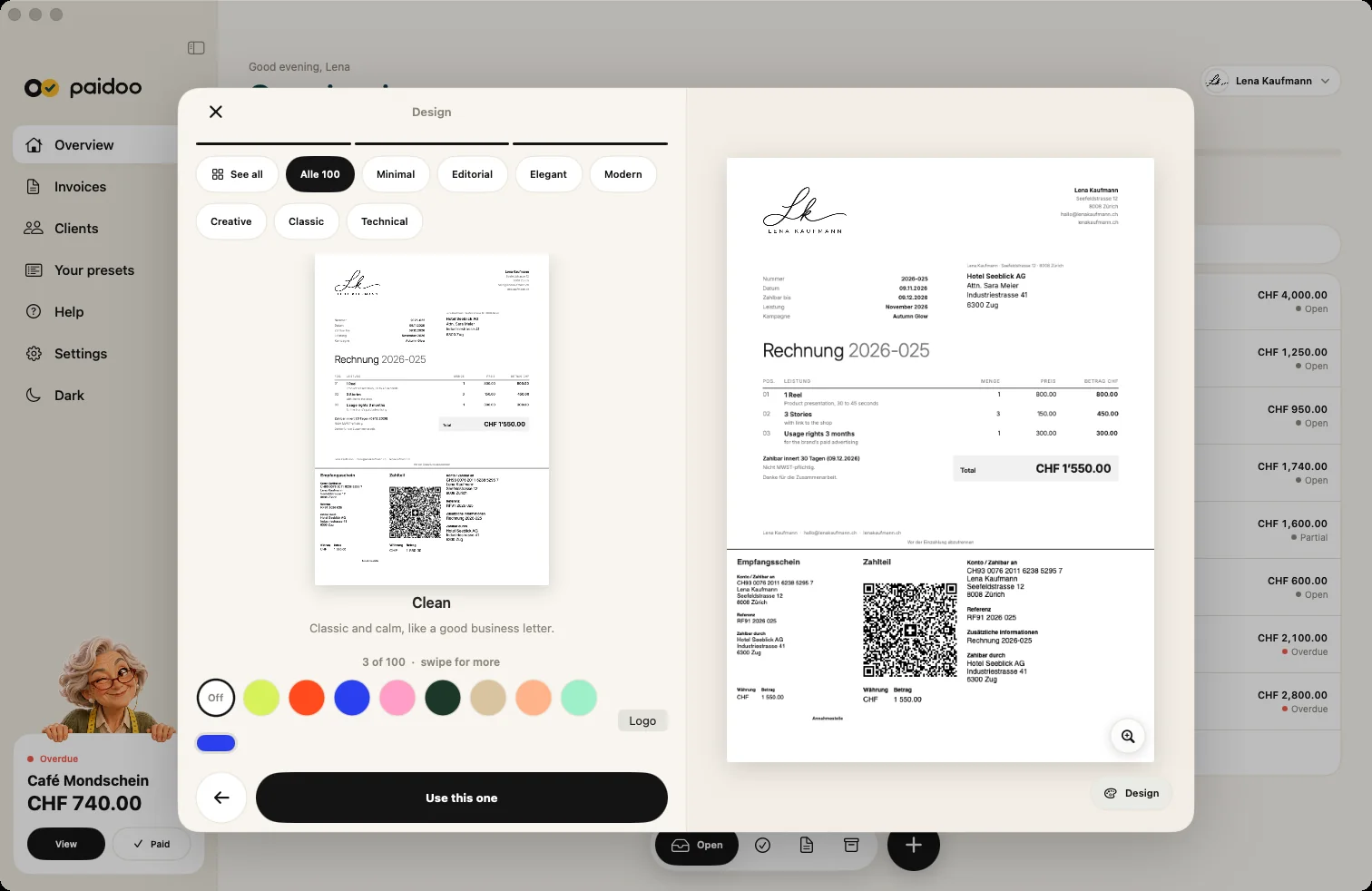
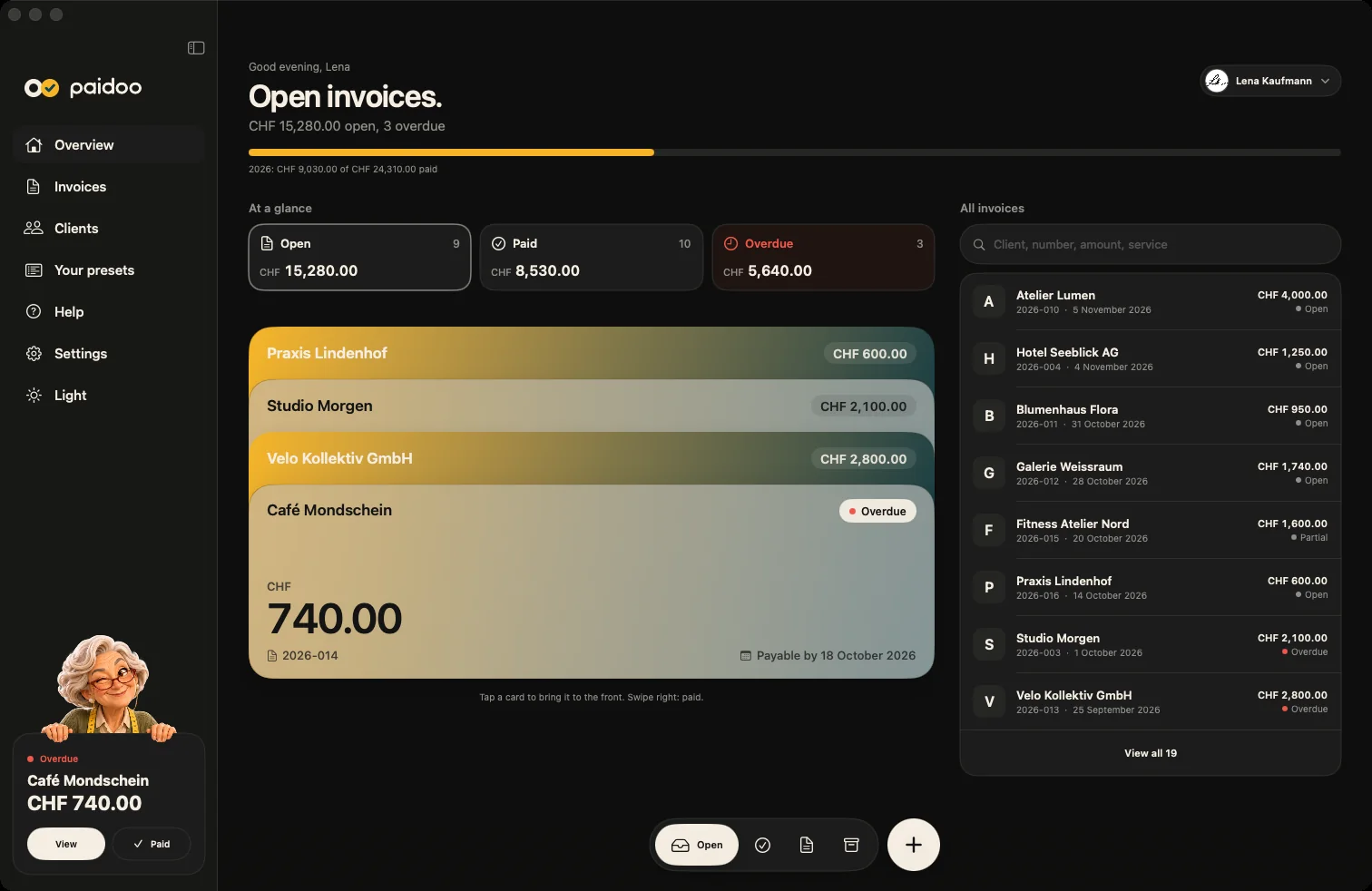

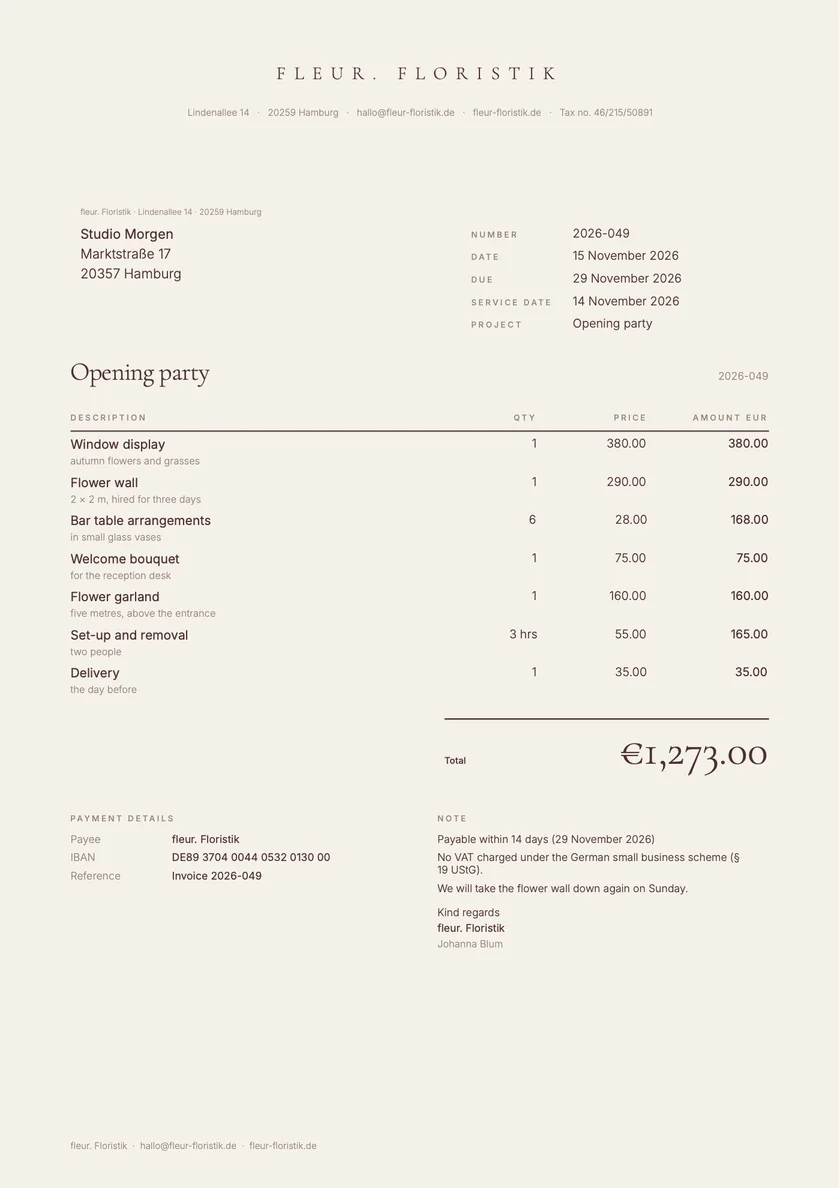
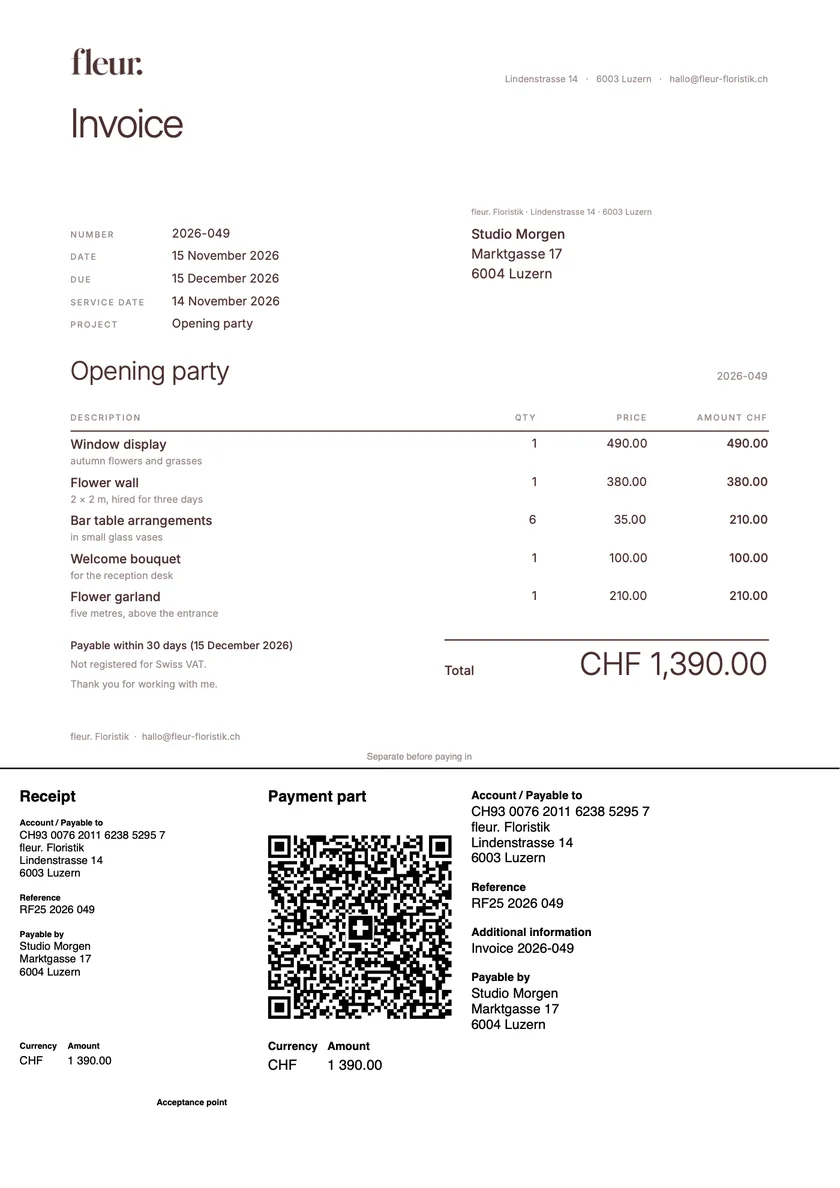
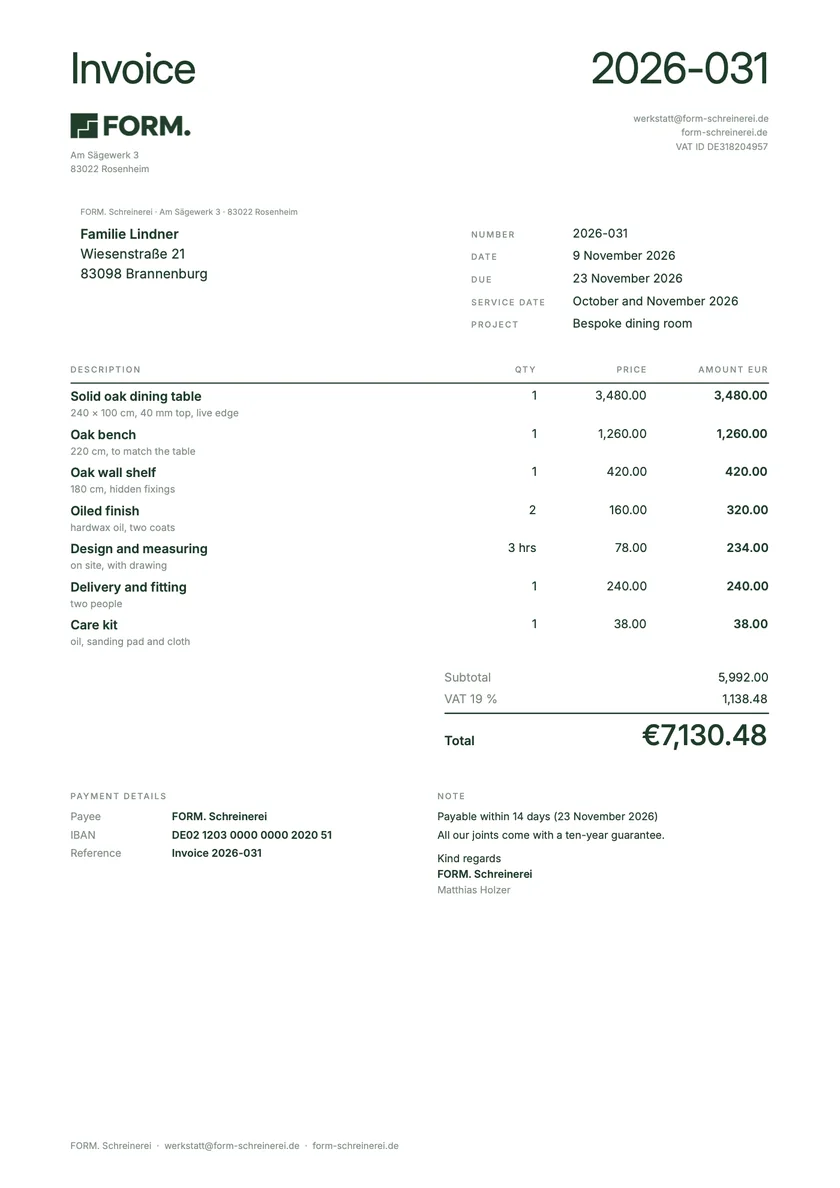
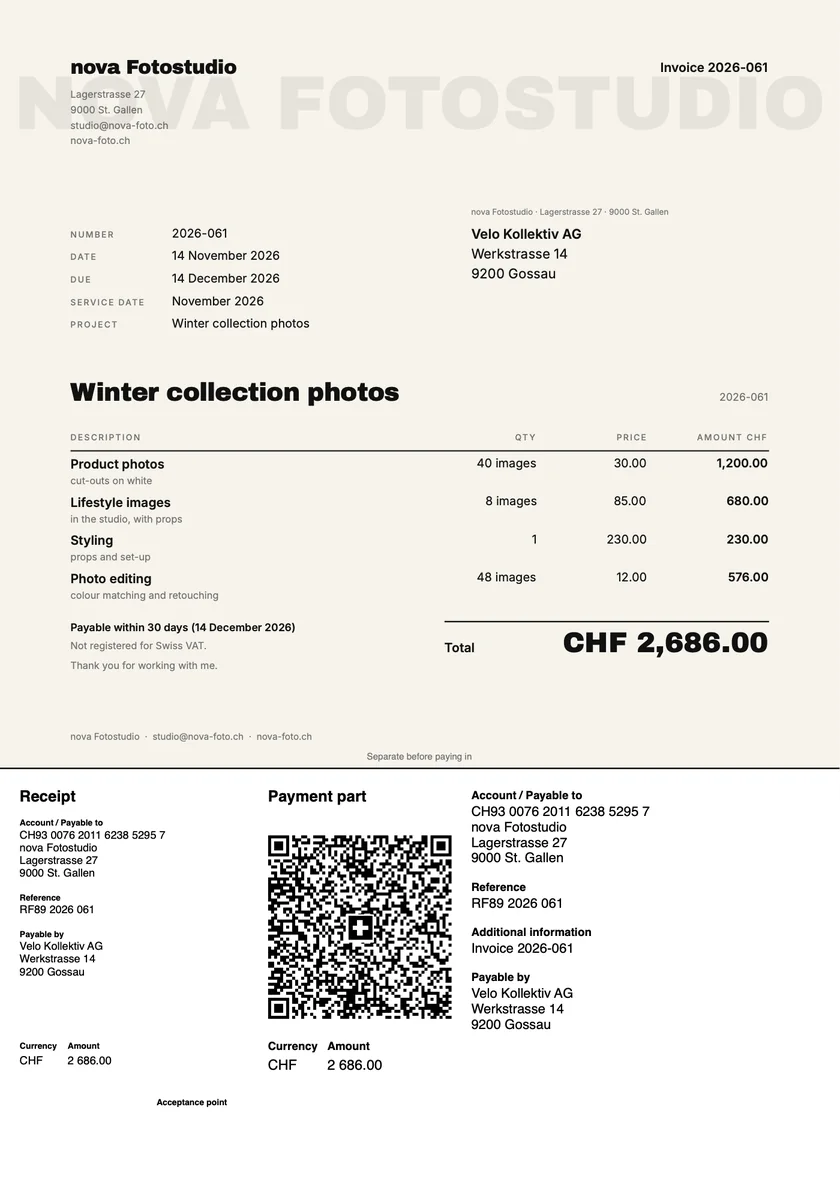
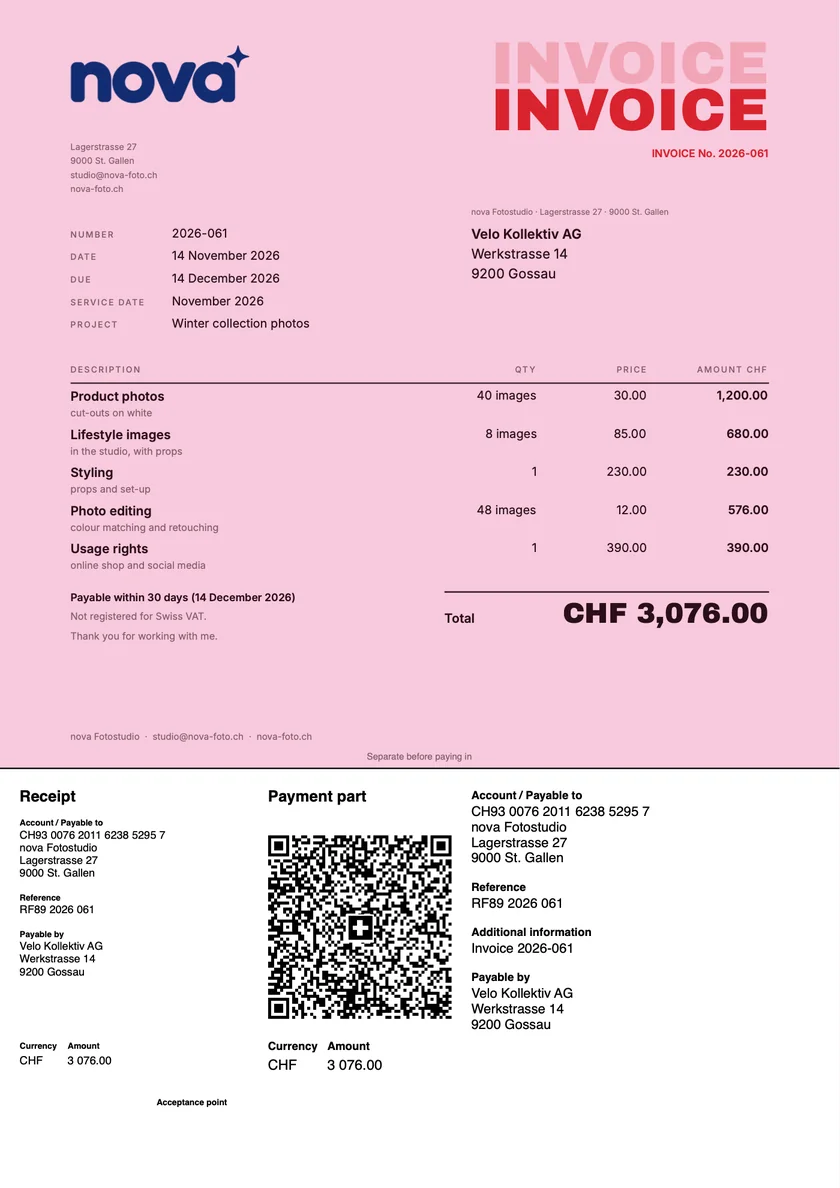
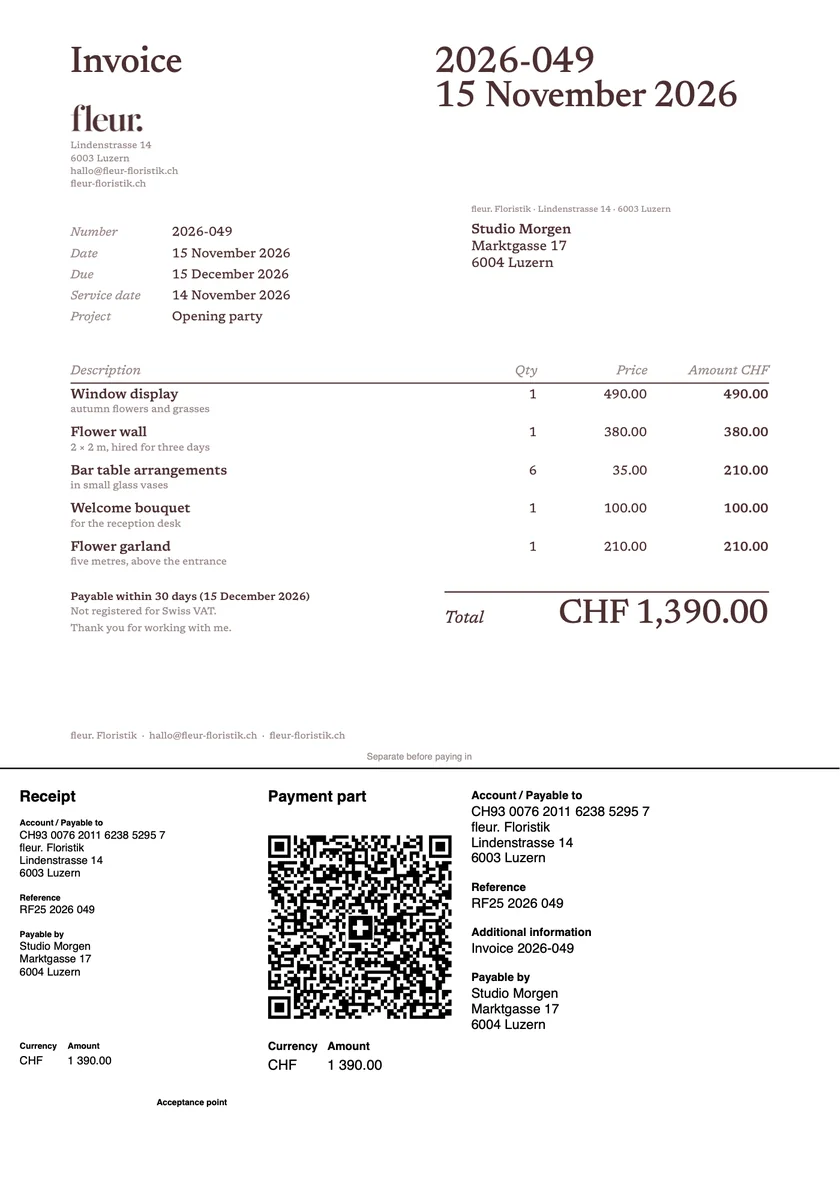
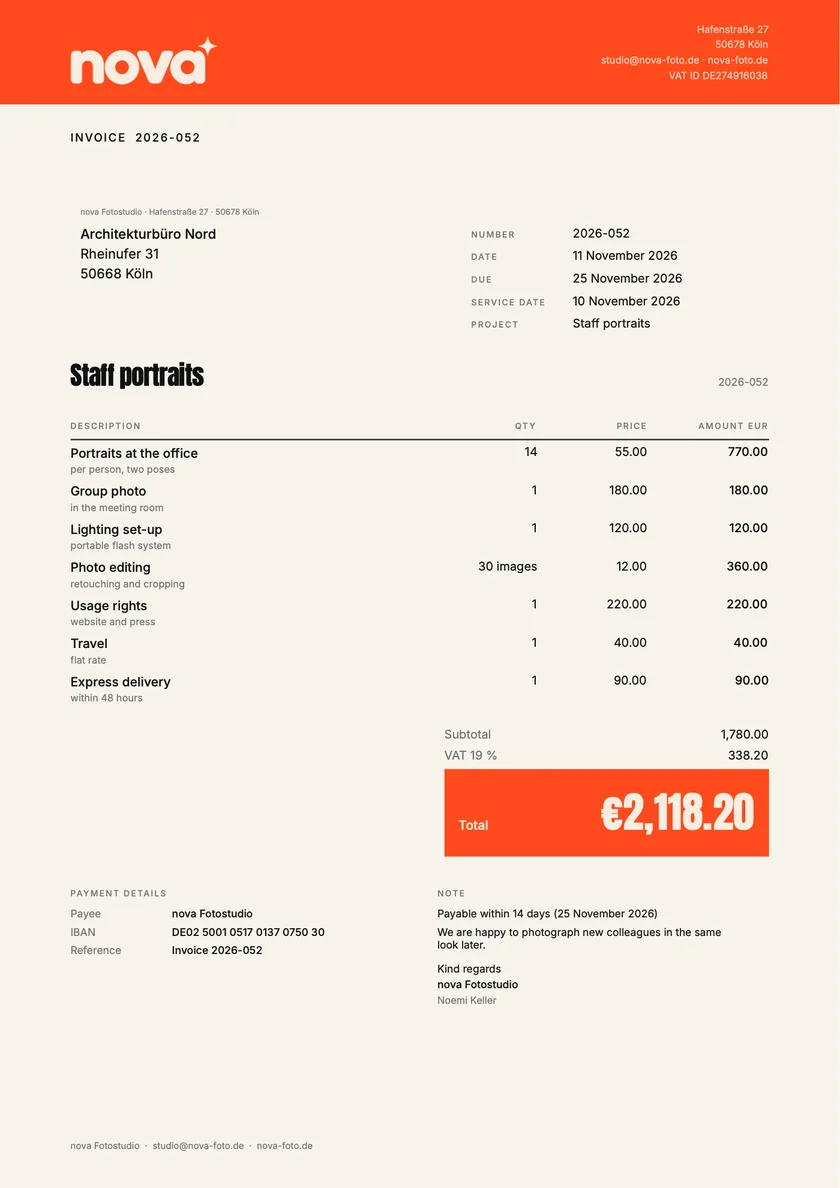
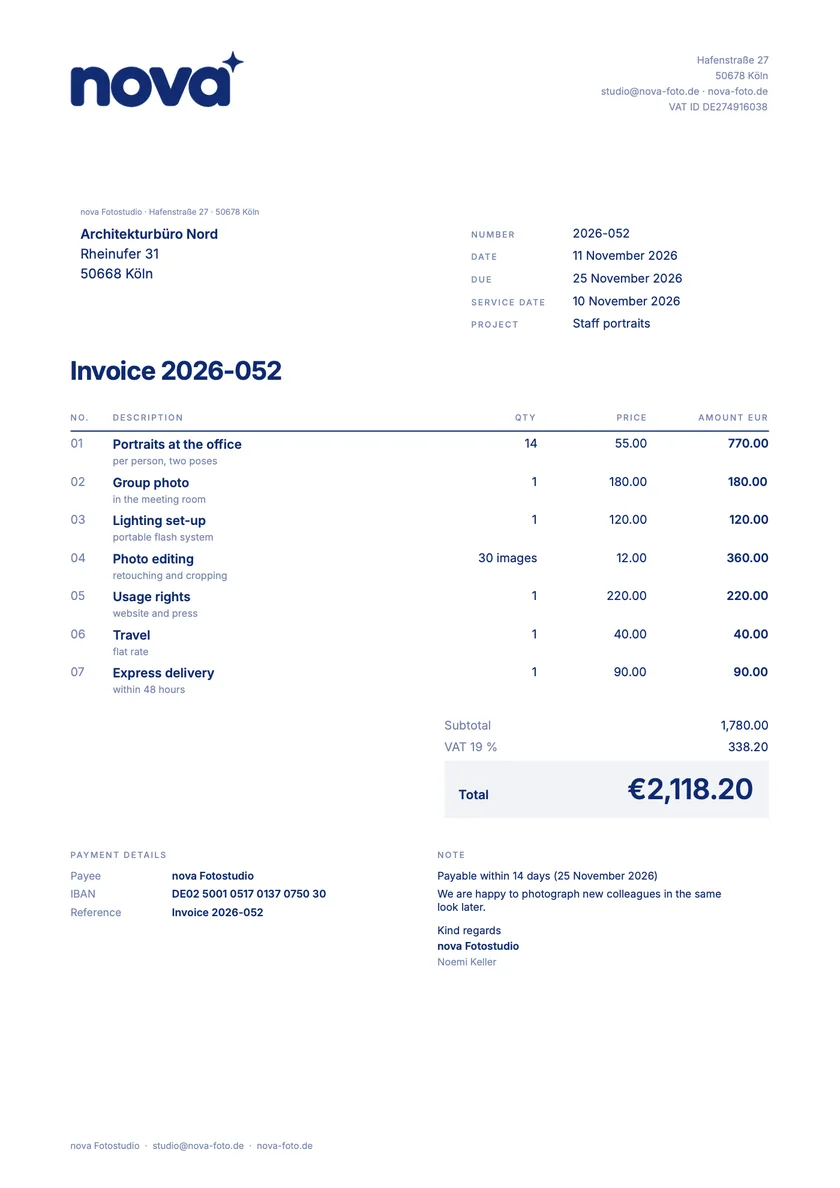
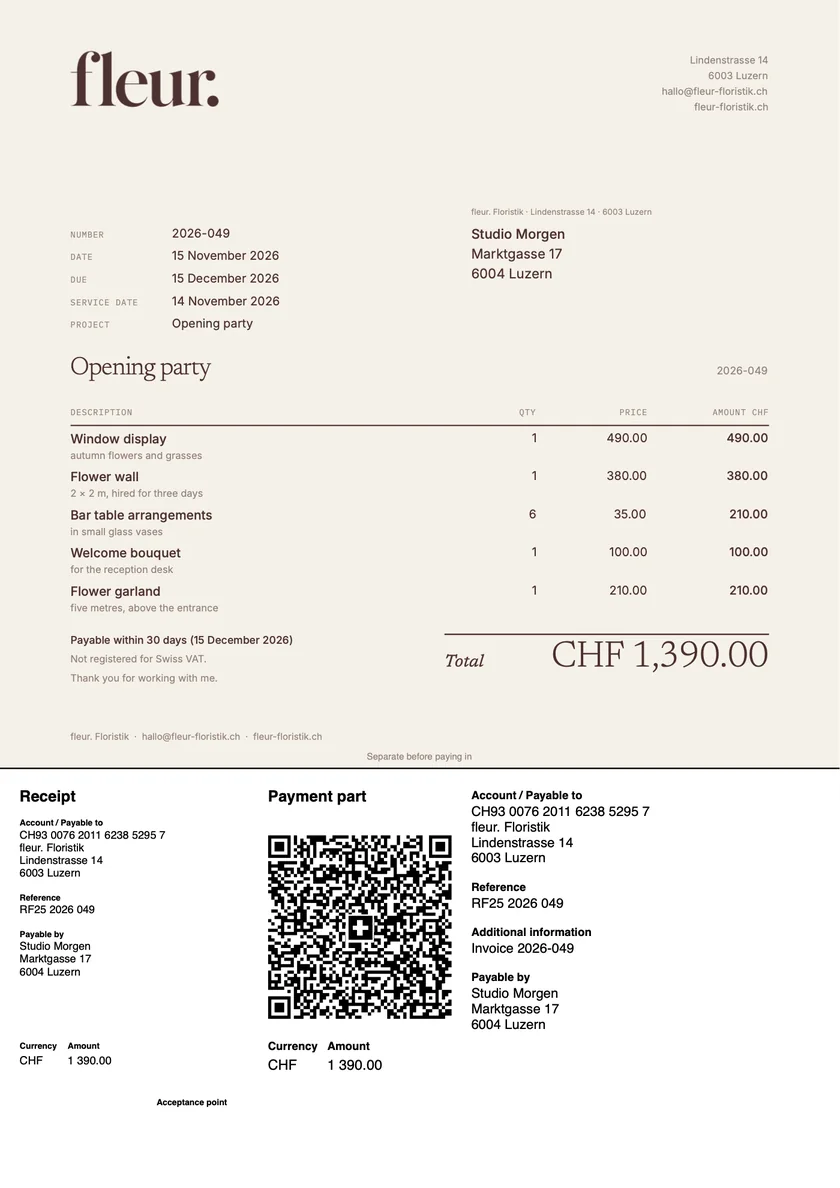
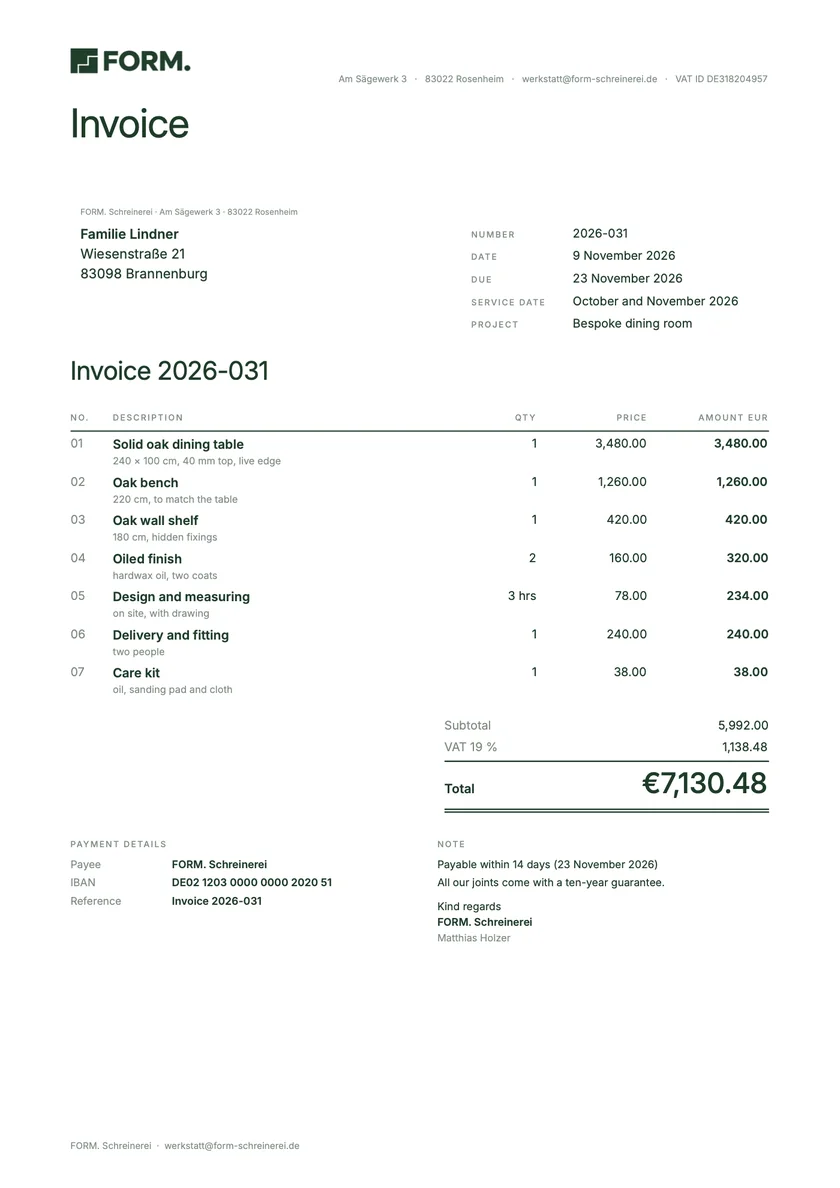
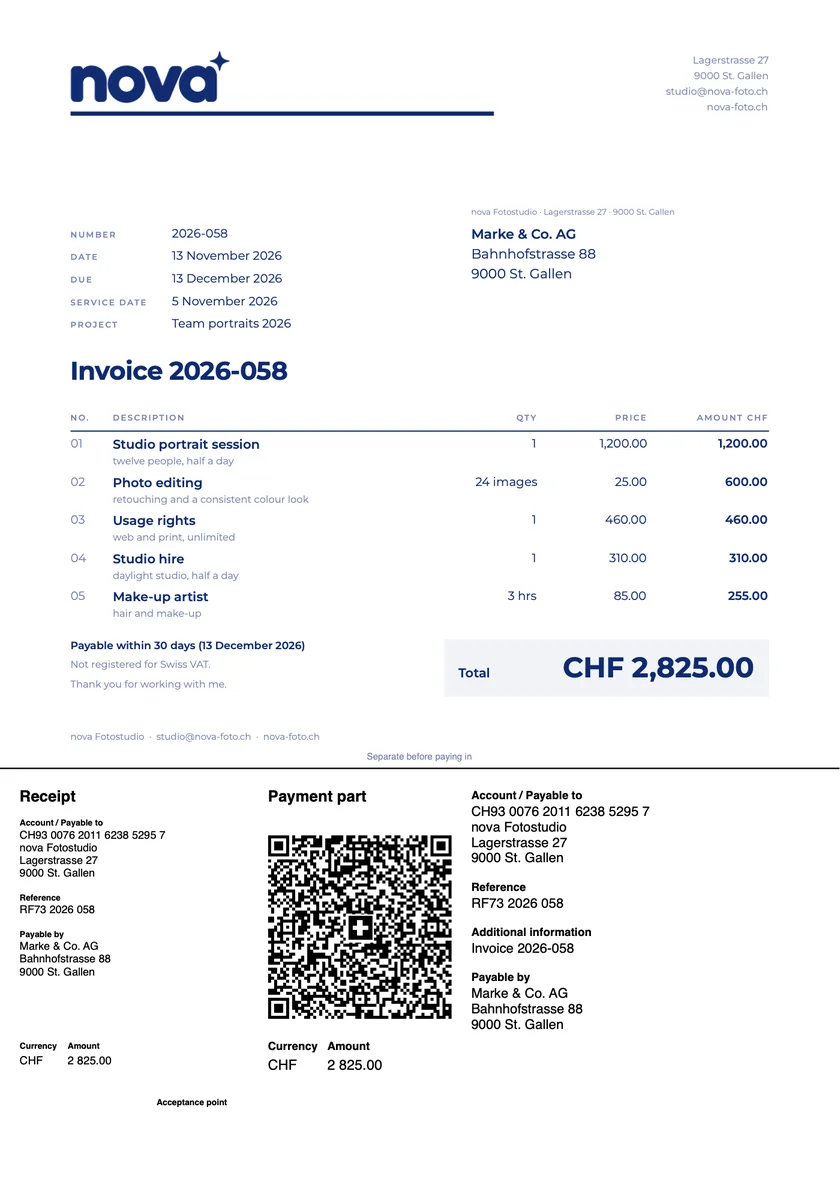
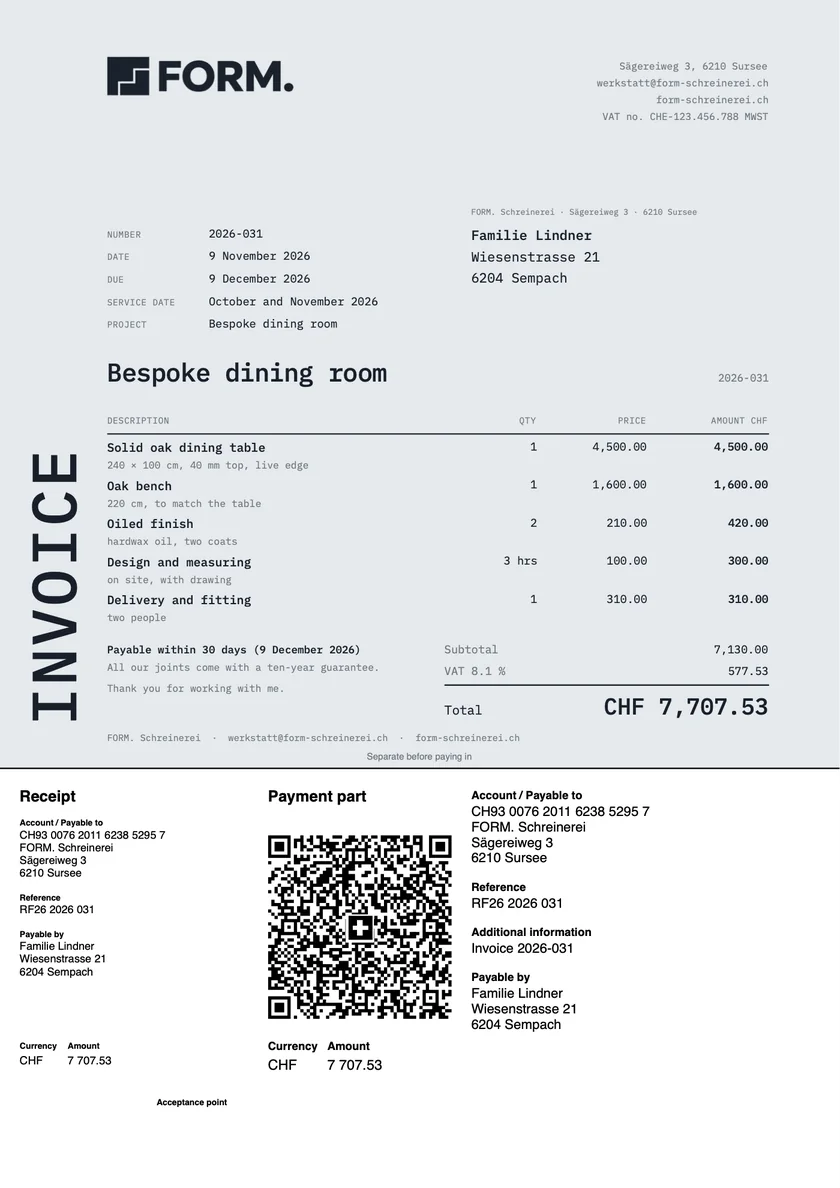
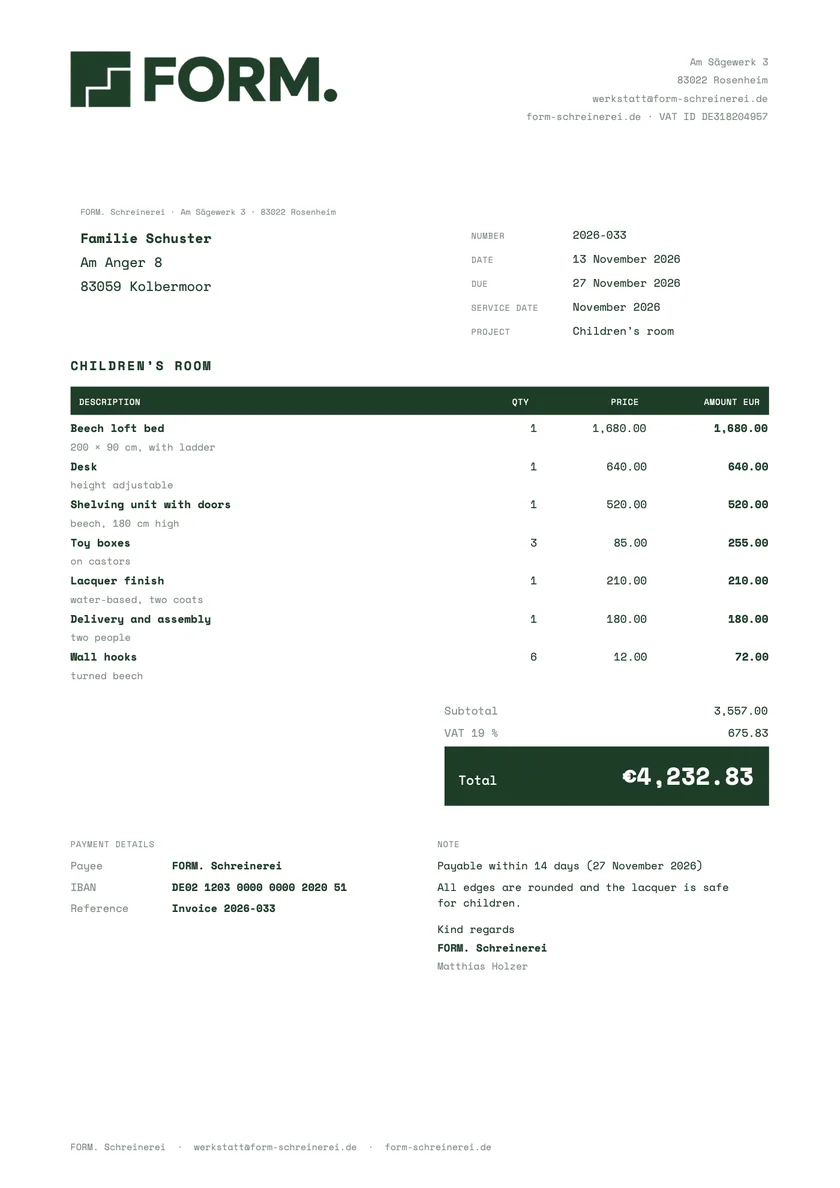
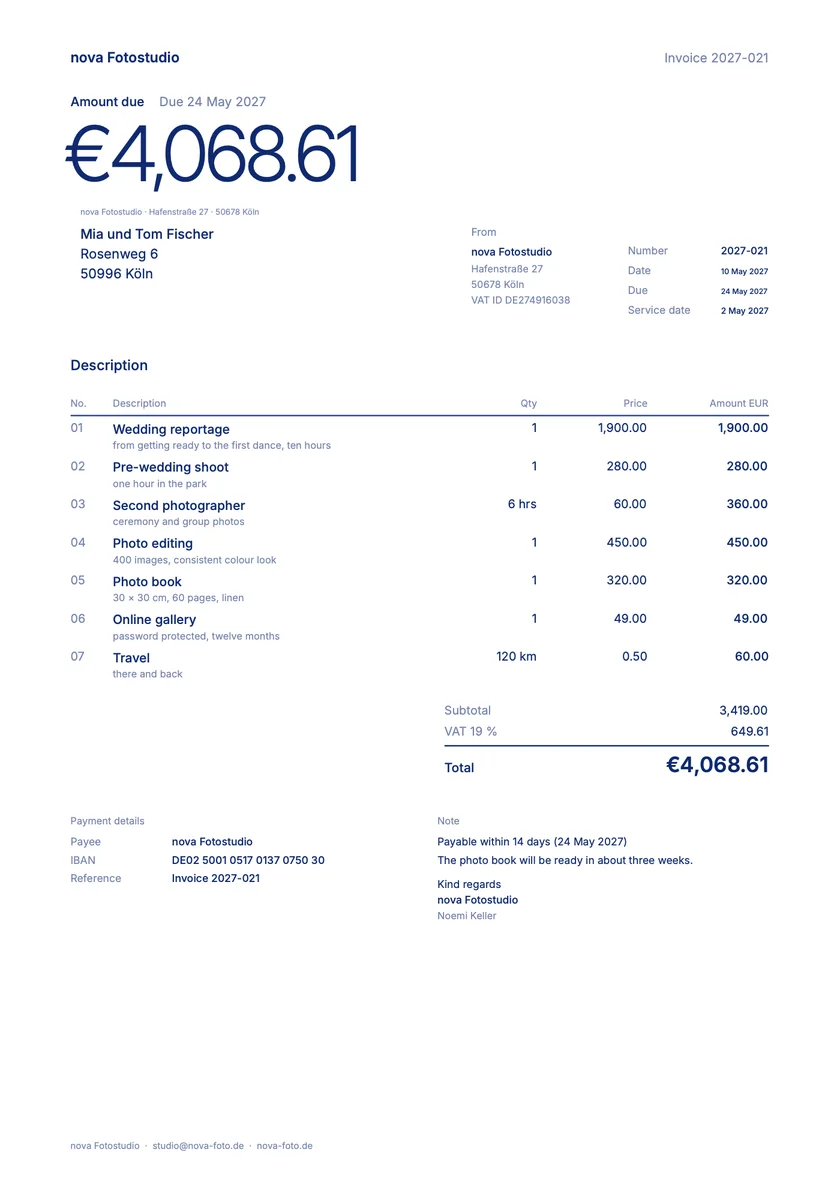
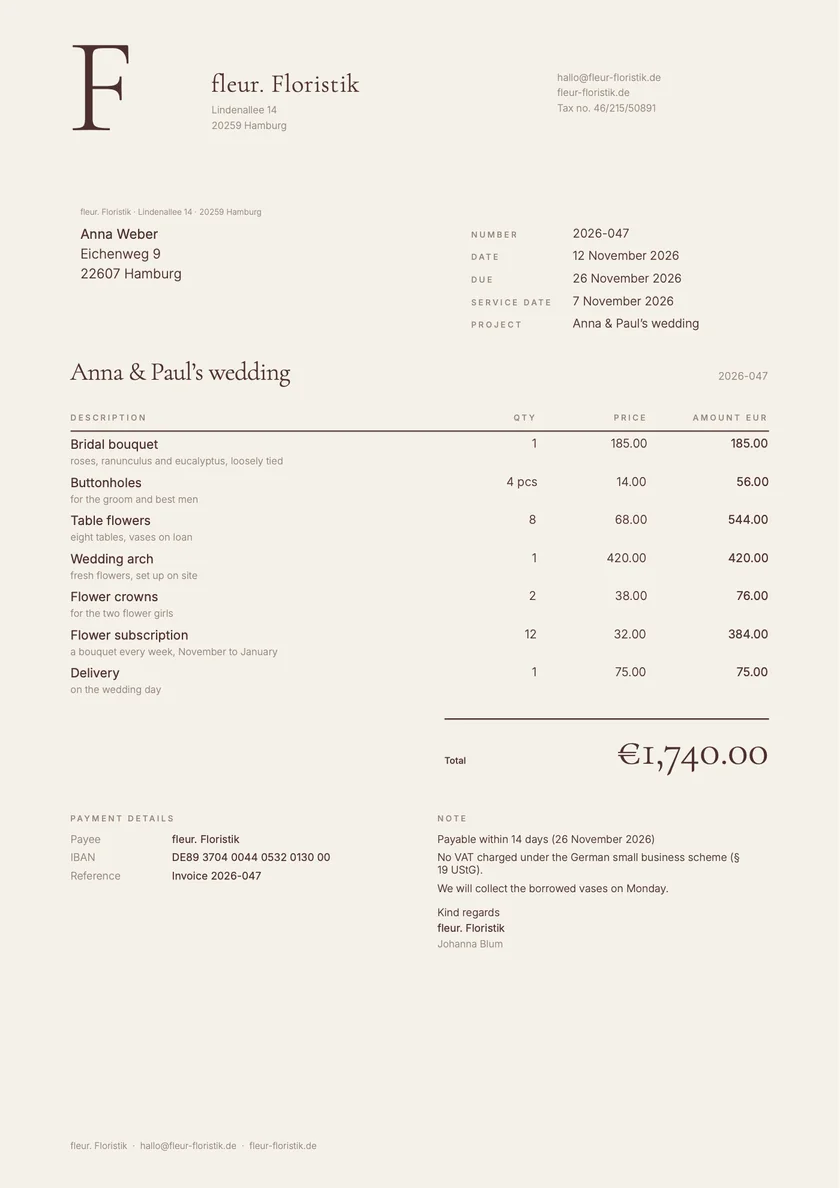
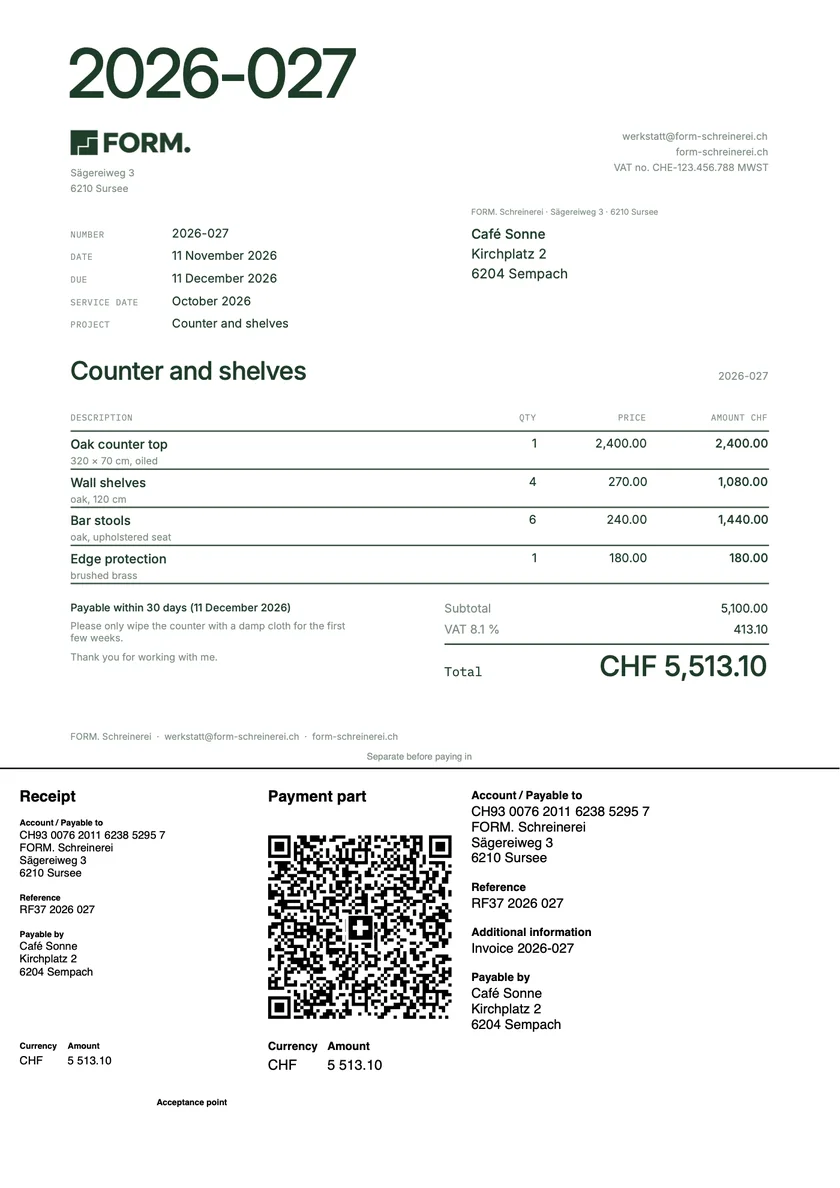
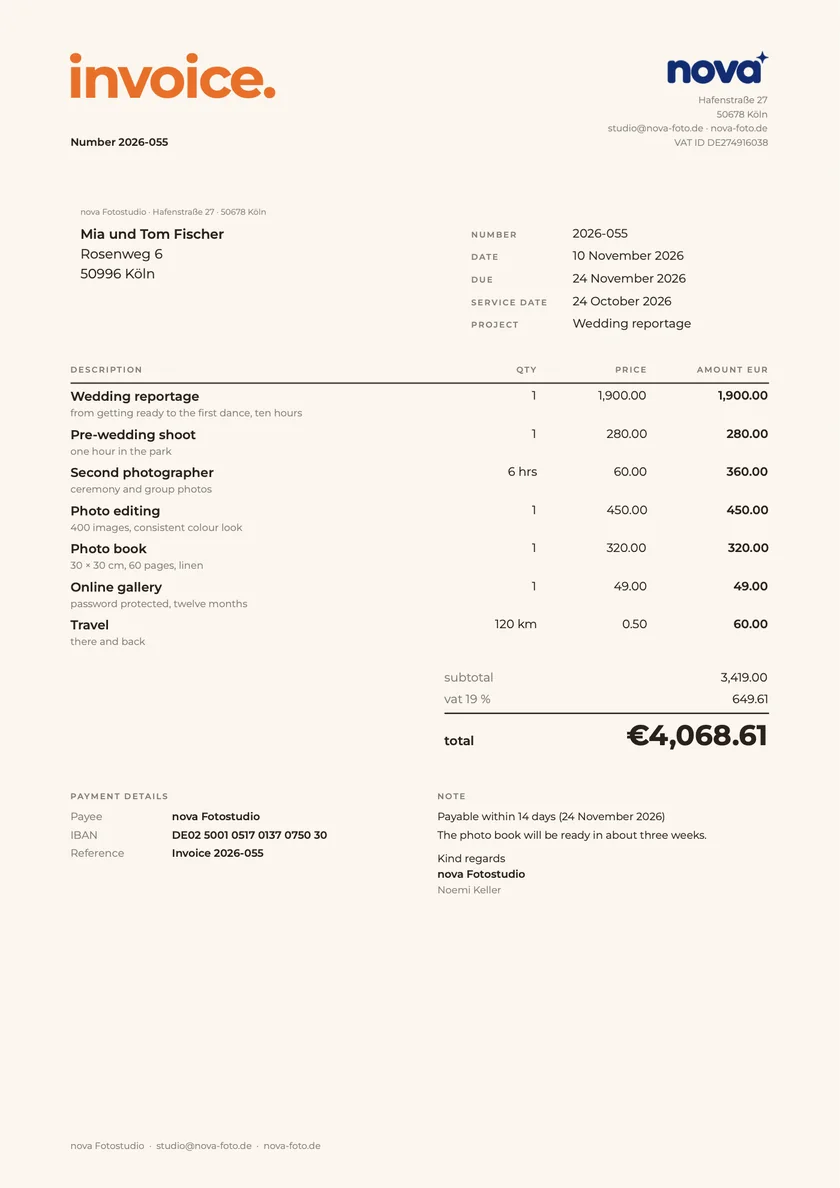
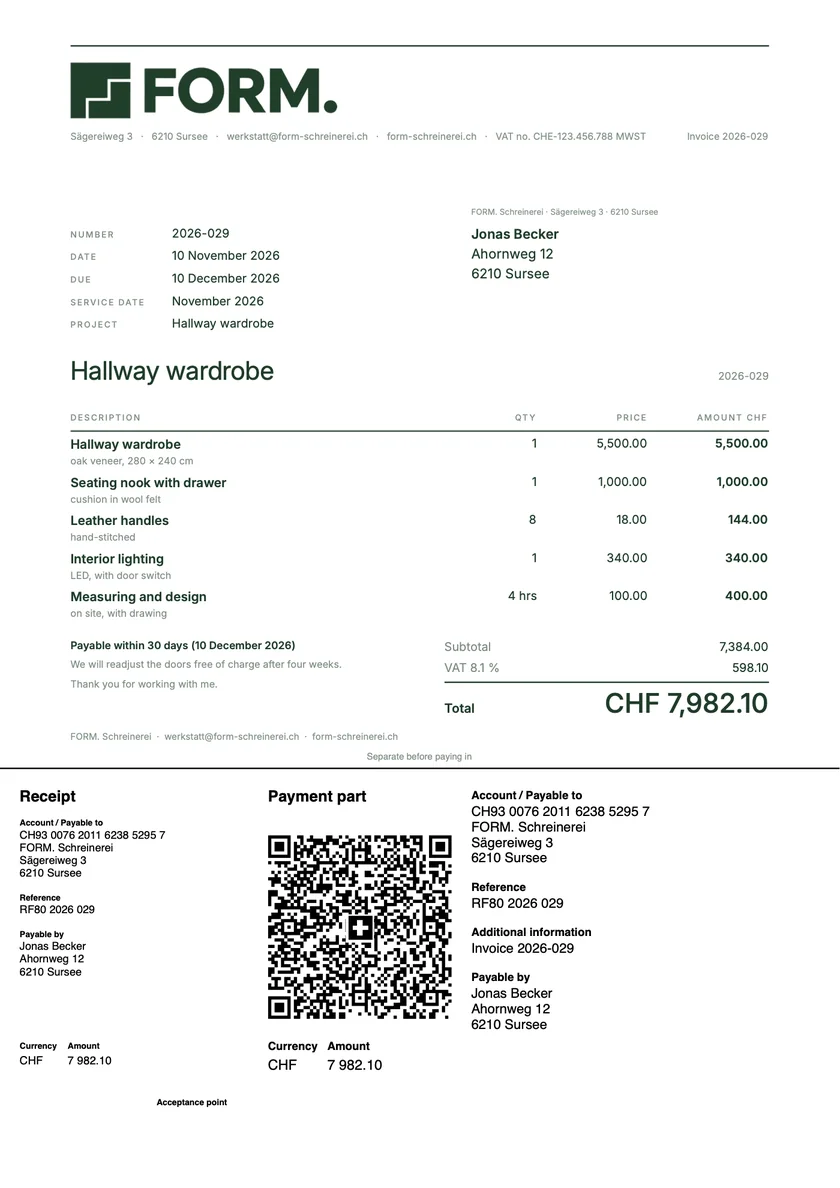
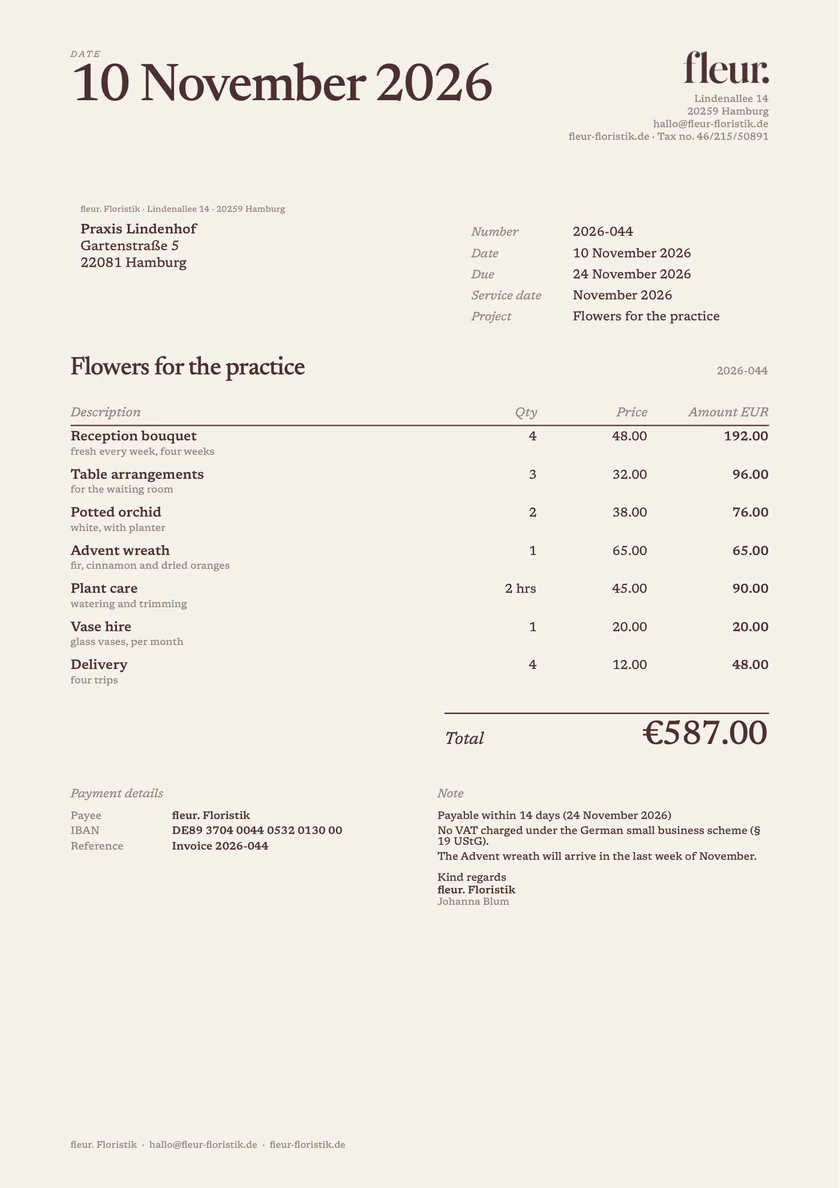
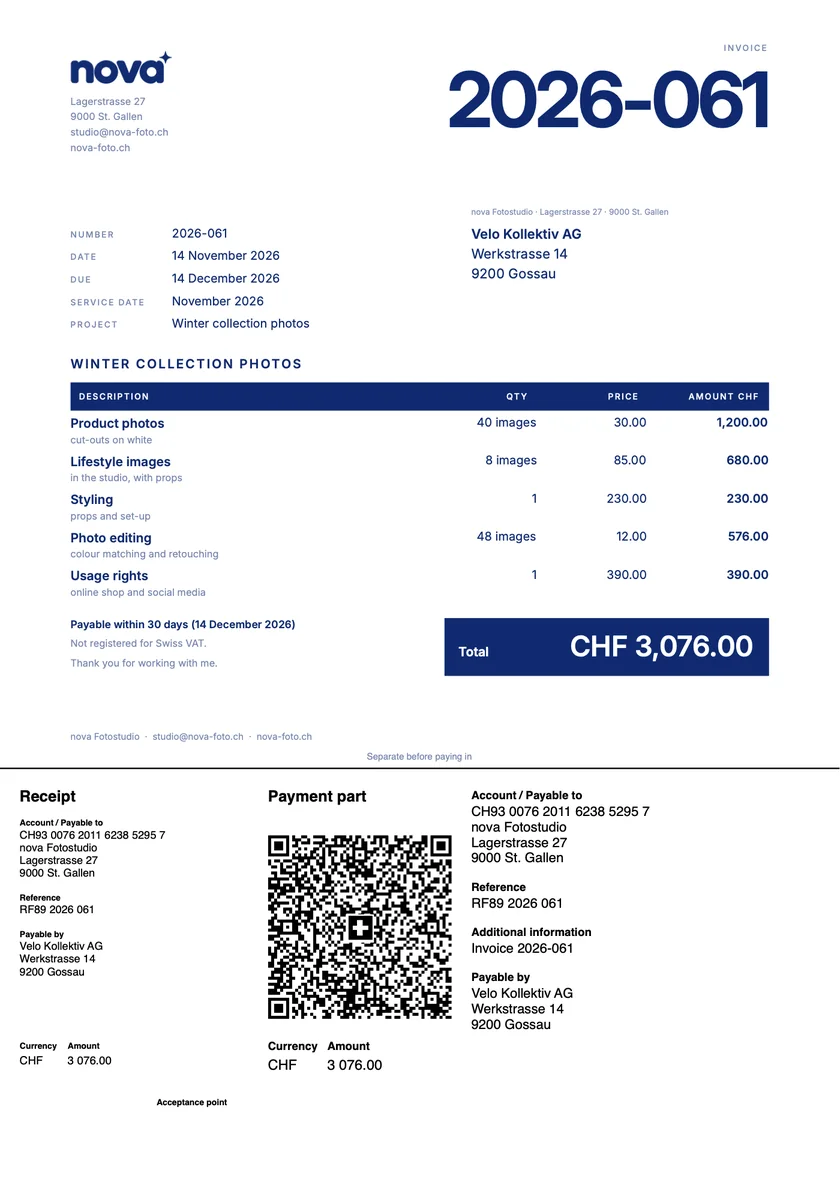
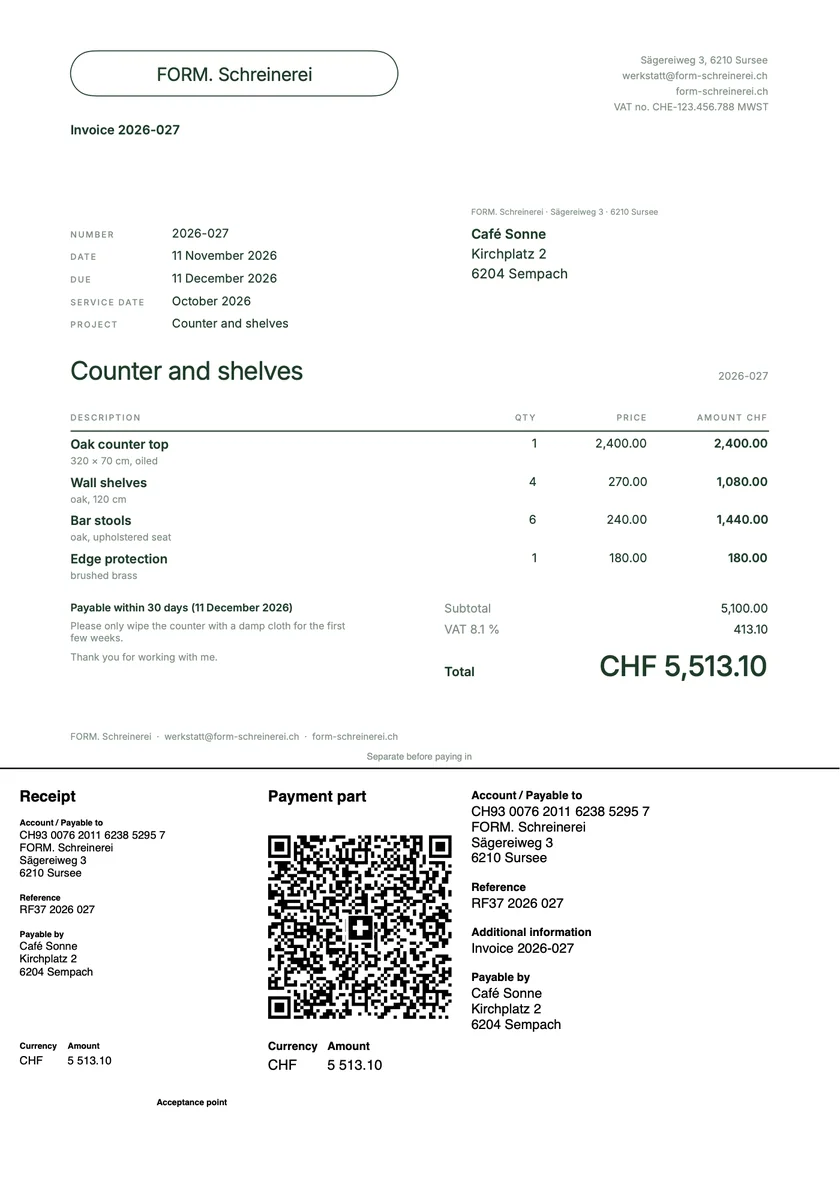
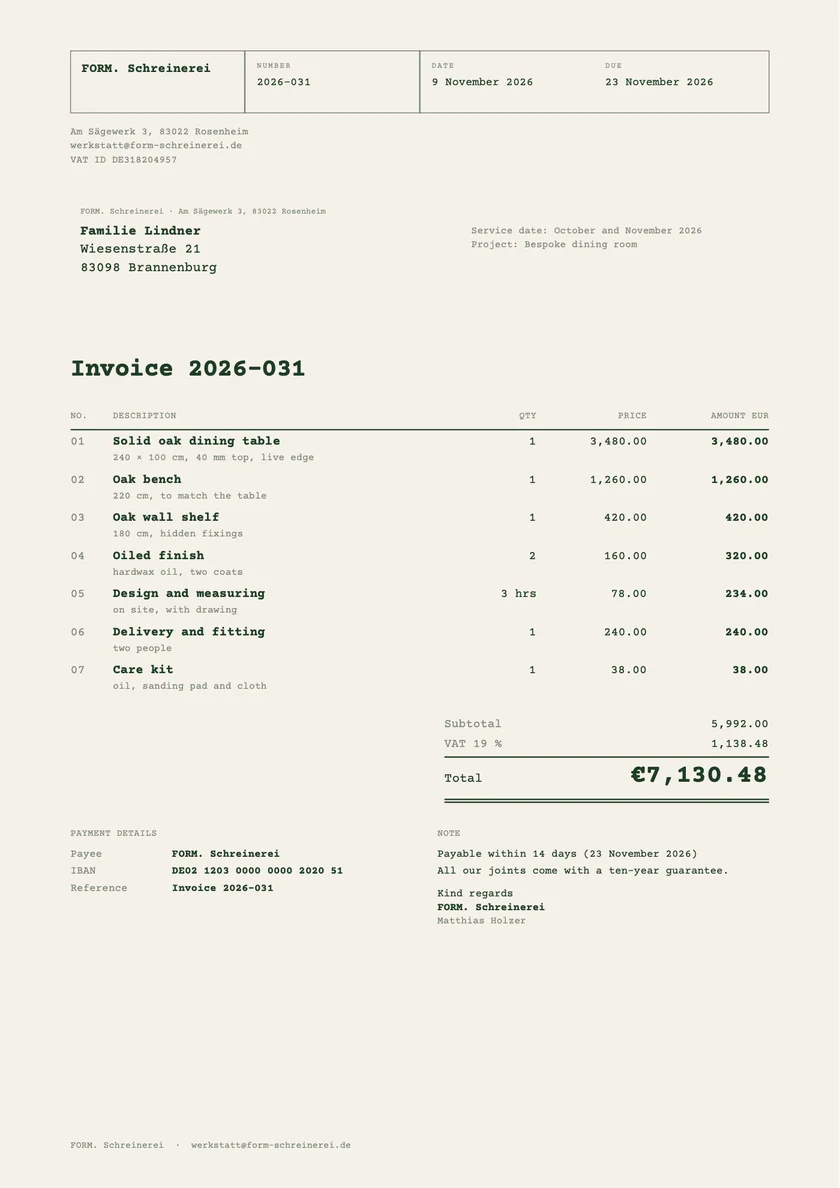
Three short steps, the design whenever you like, and Paidoo fills in what it already knows. Pick a screen on the left.
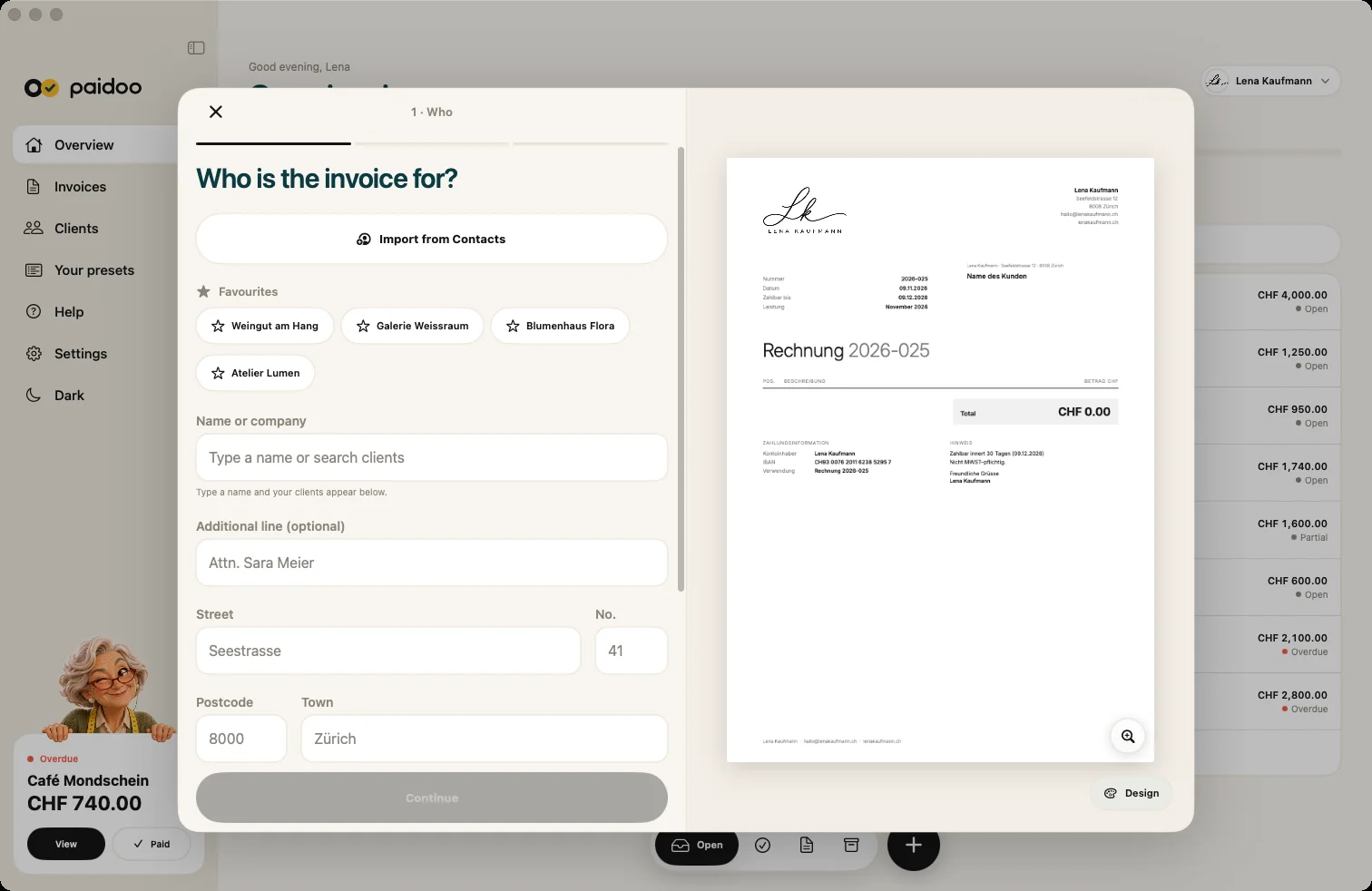
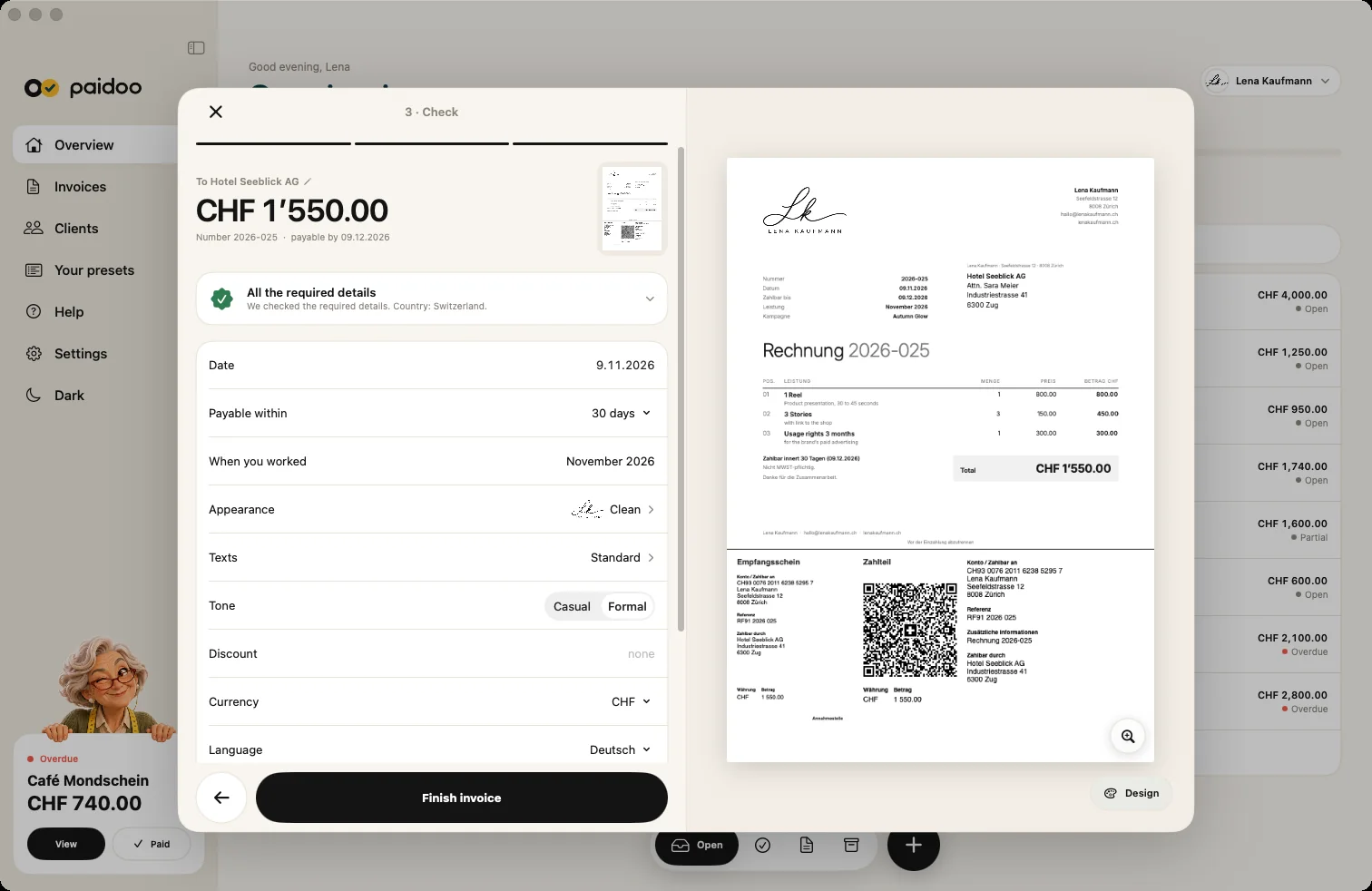
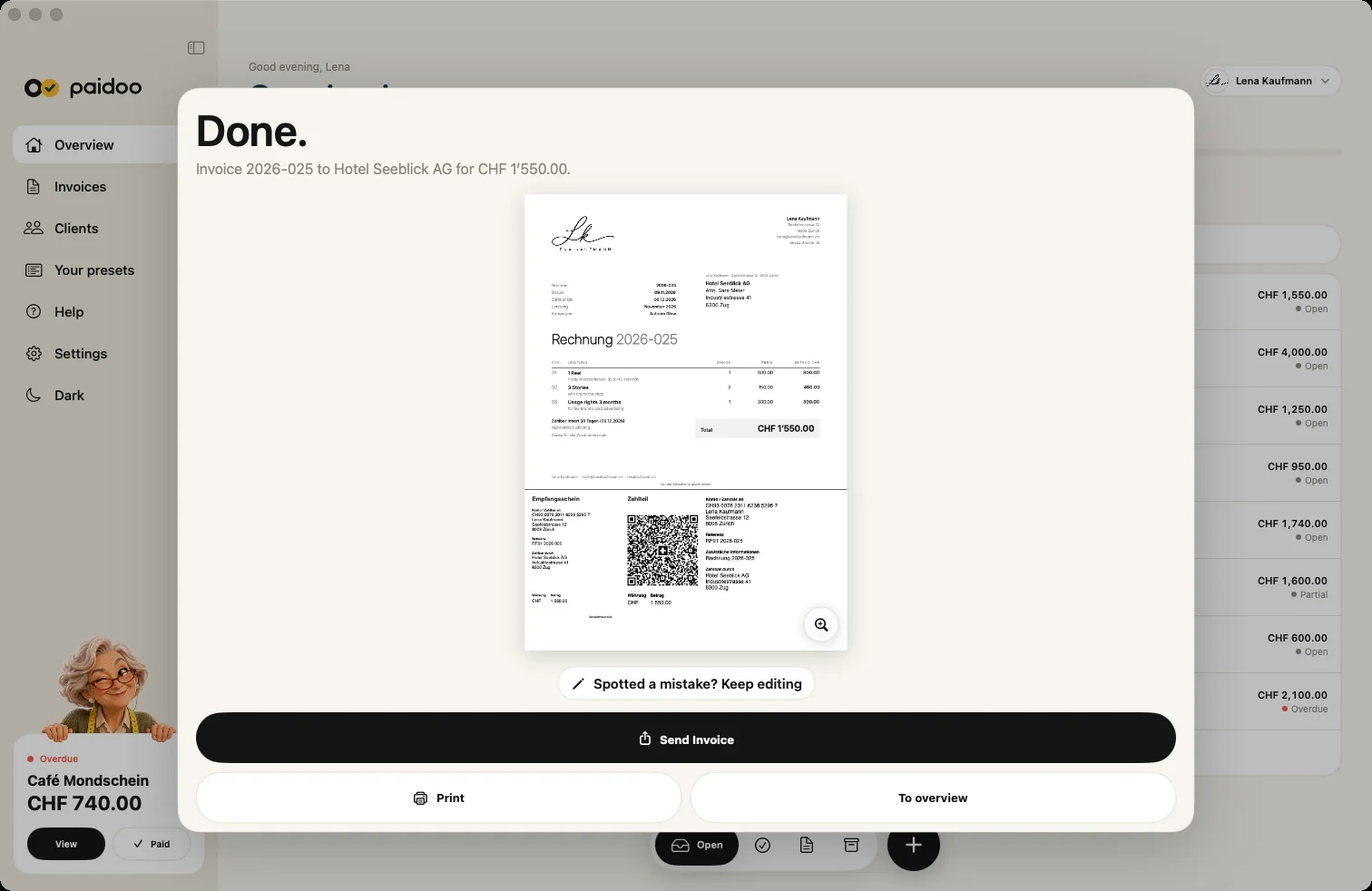
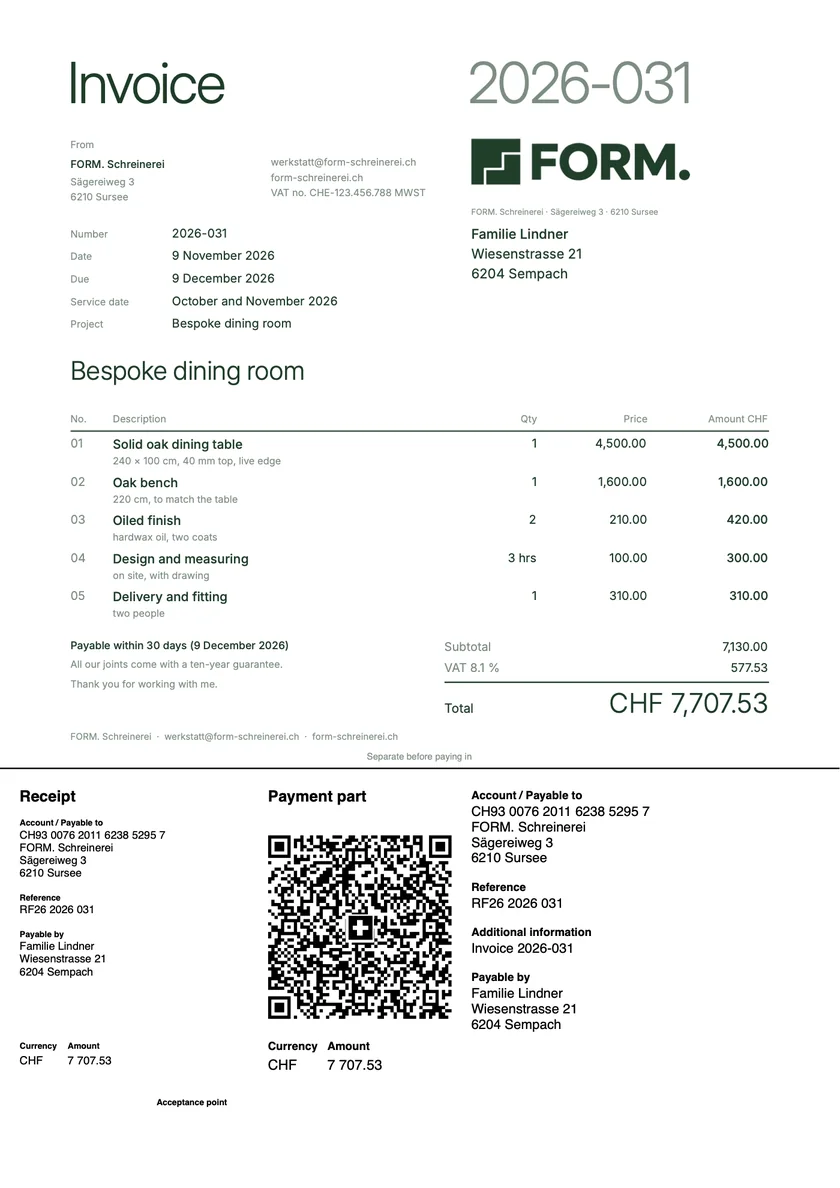
A real recording on the Mac, played a little faster: from ⌘N to the finished invoice with its number, in Switzerland with the QR payment part included.
An invoice is done in a minute. When you feel like it, take your time and set everything up your way, right down to the stack of cards on the home screen.
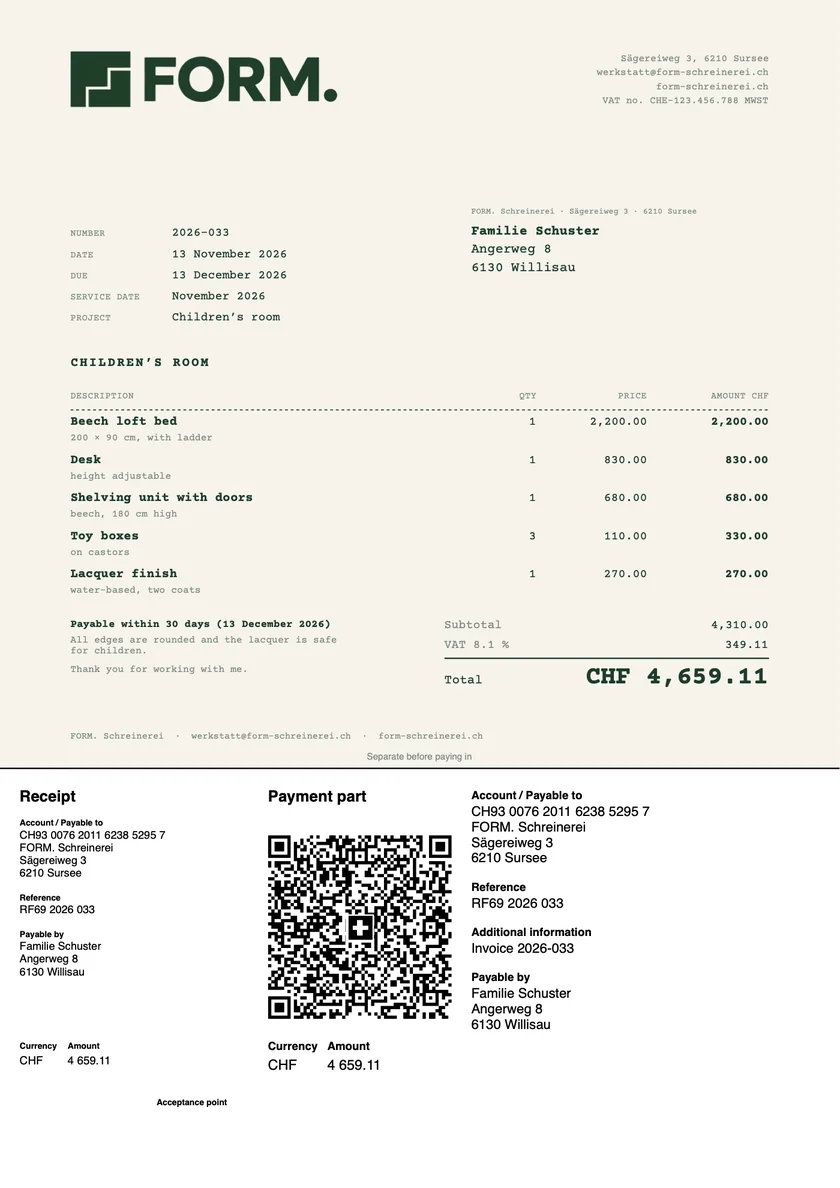
Design, colour, font, logo and signature in one place. What you choose applies to all new invoices. Logo, your own colour and font come with Pro.
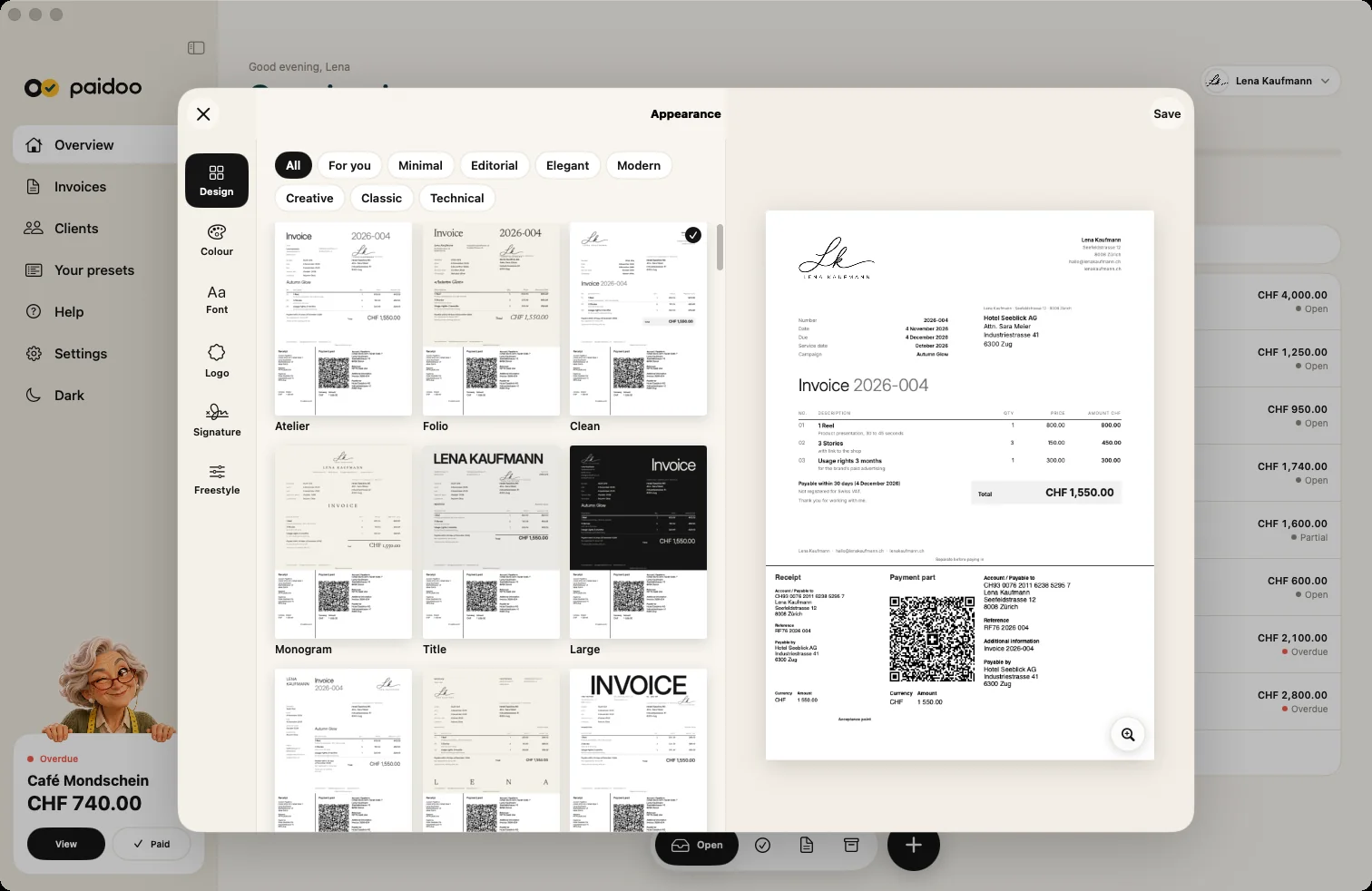
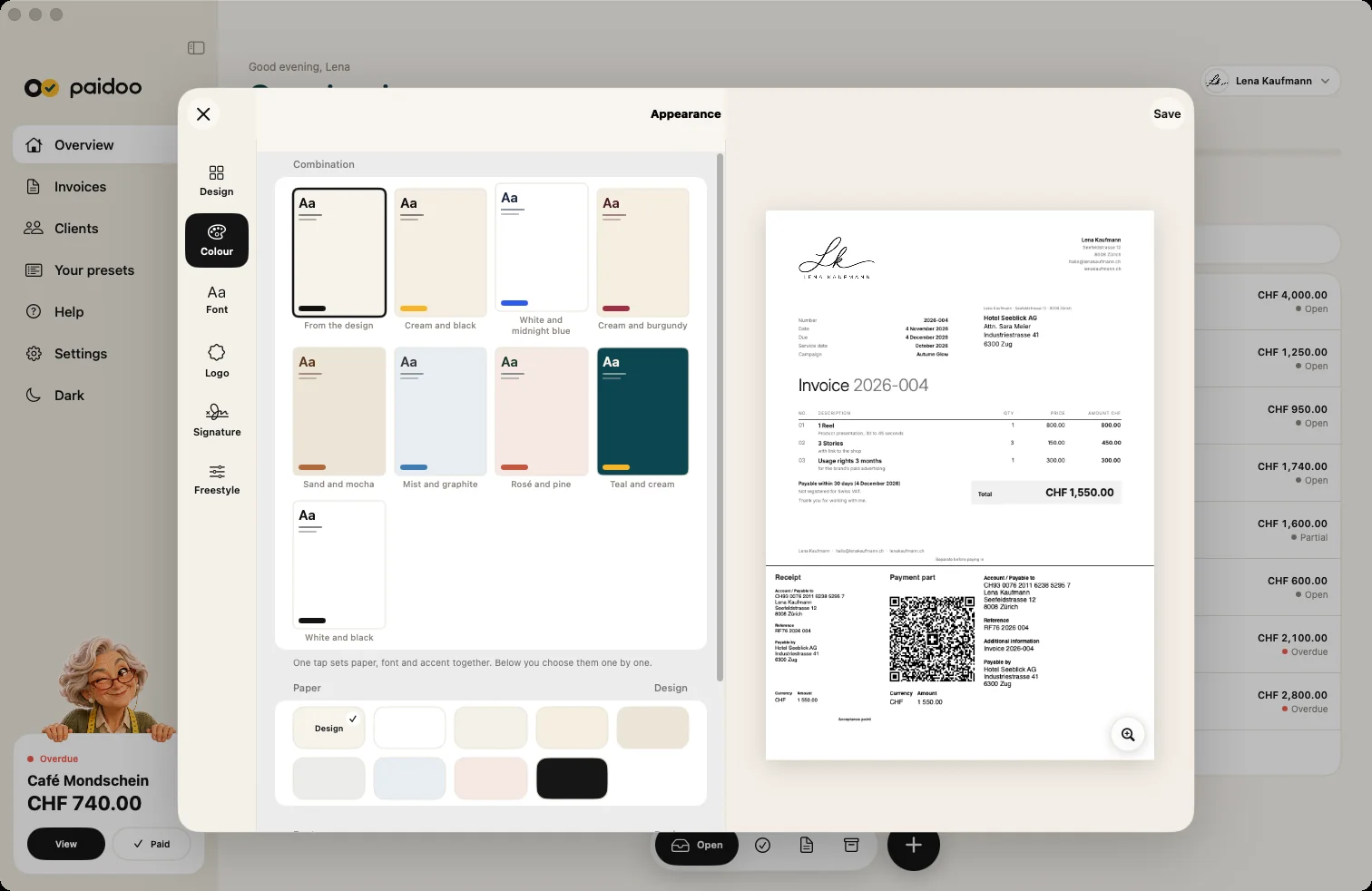
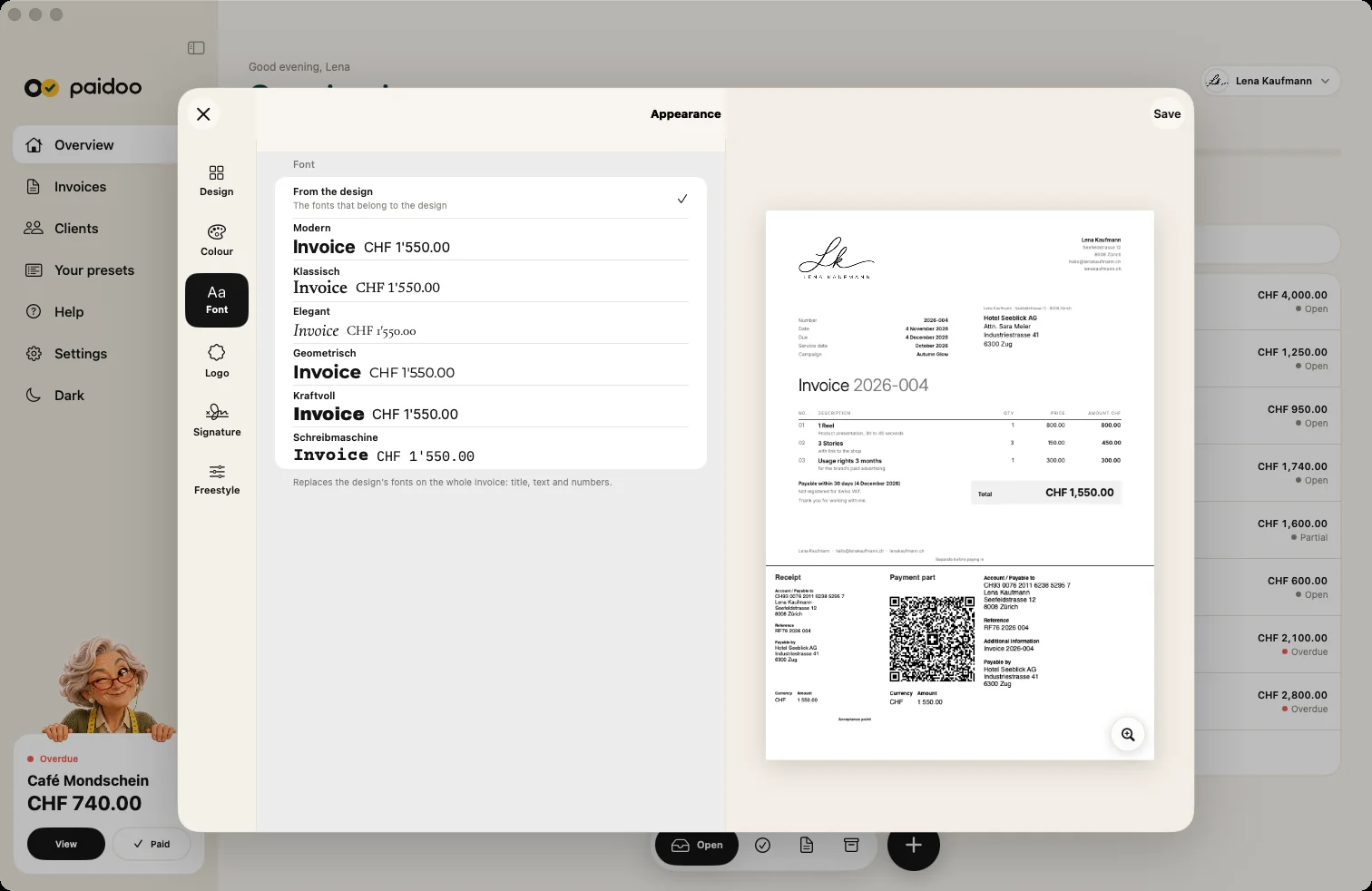
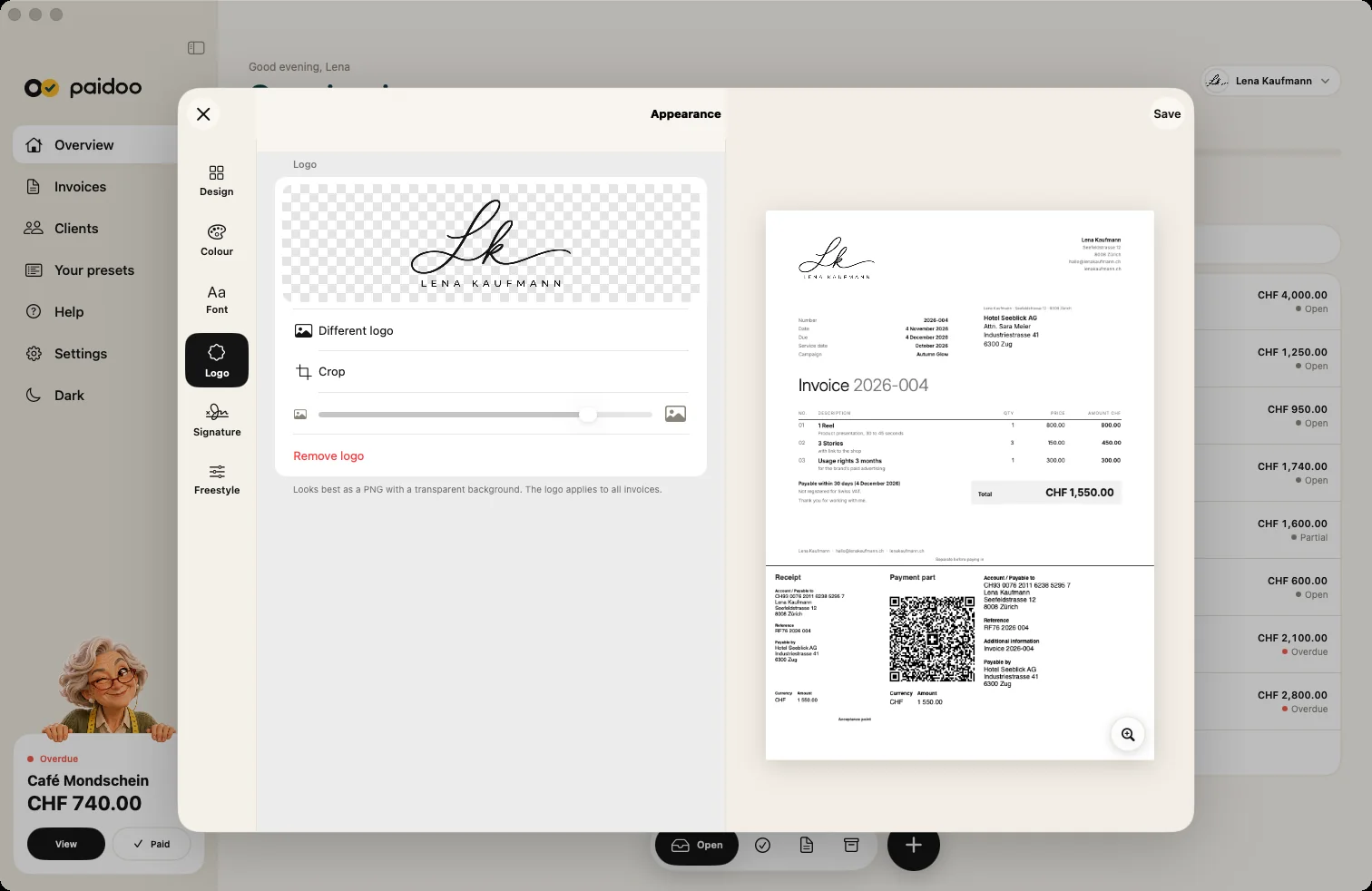
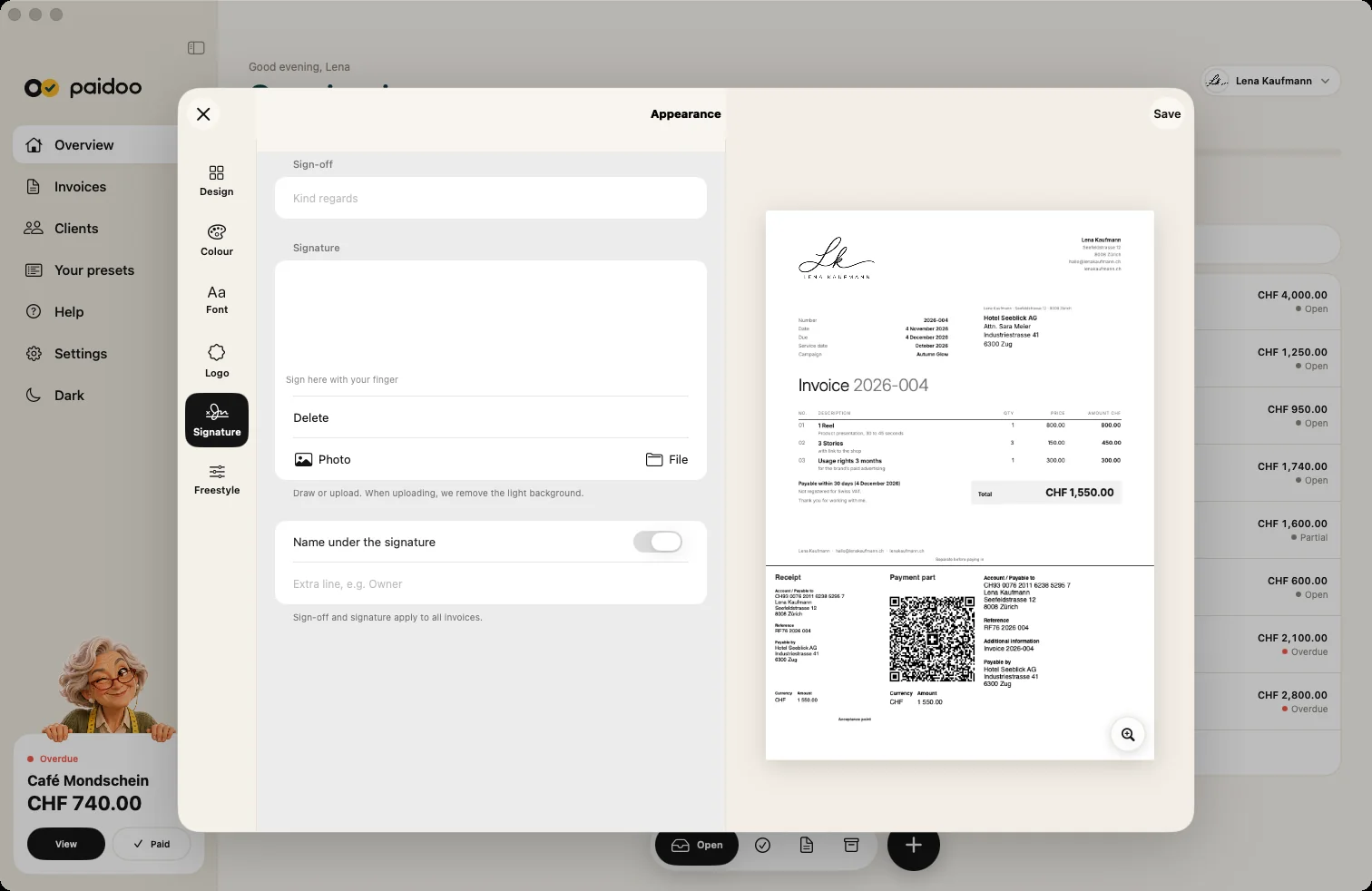
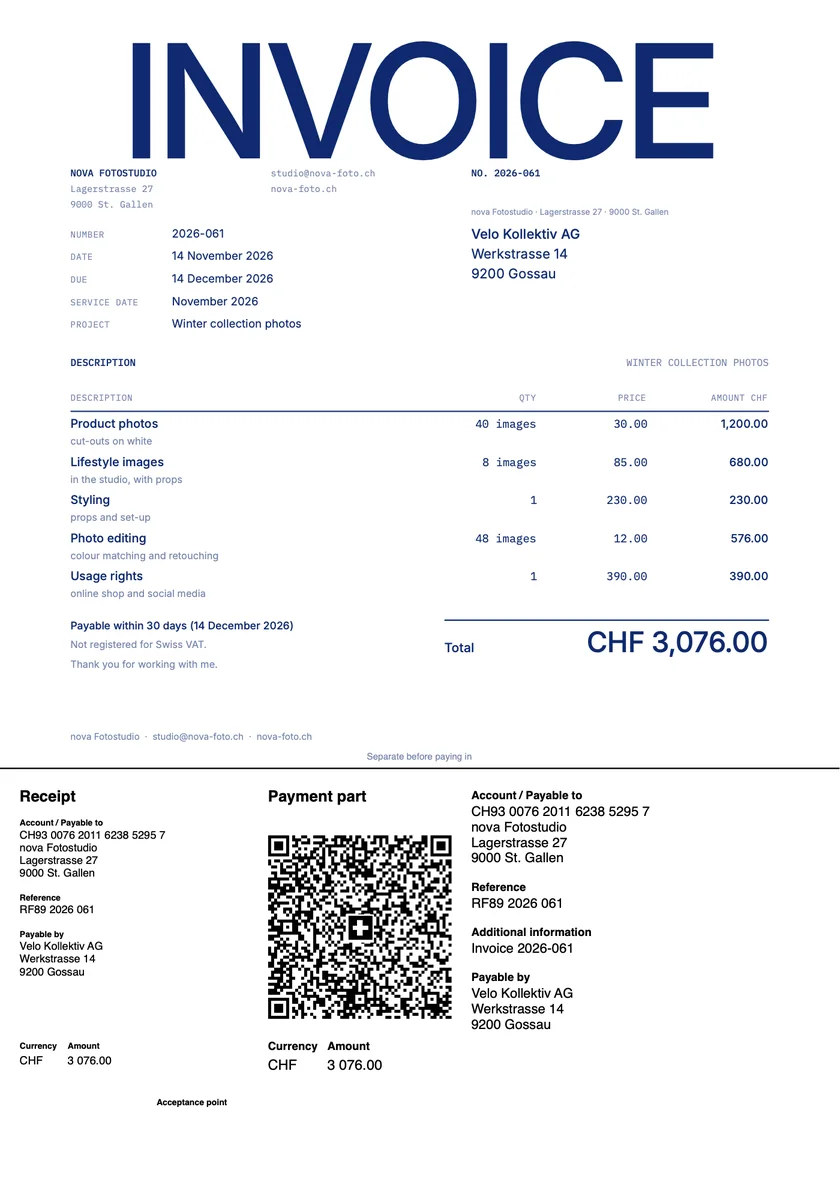
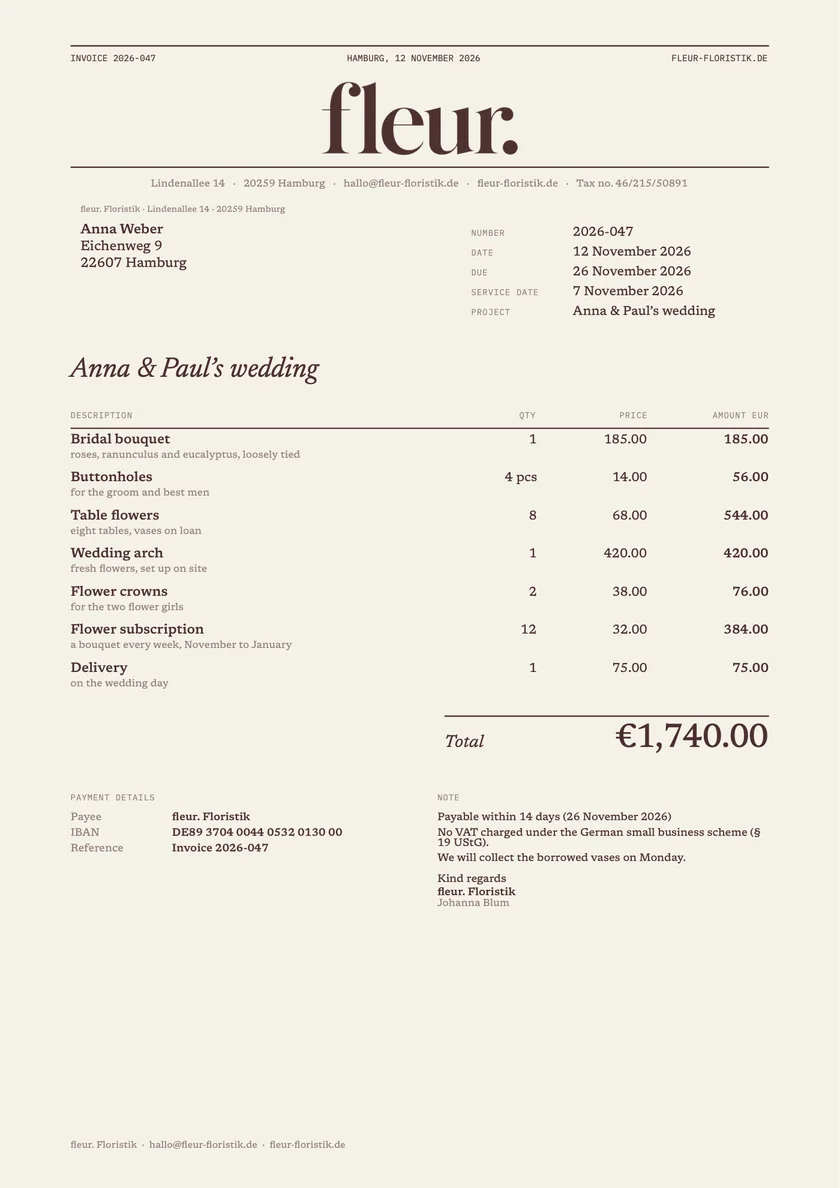
From calm to playful. With Pro you add your logo, your colour, your paper and your font.
Paidoo writes invoices for customers at home and abroad. You choose the language per customer, and Paidoo takes the VAT rate from your country. In Switzerland and Liechtenstein the QR payment part is added.
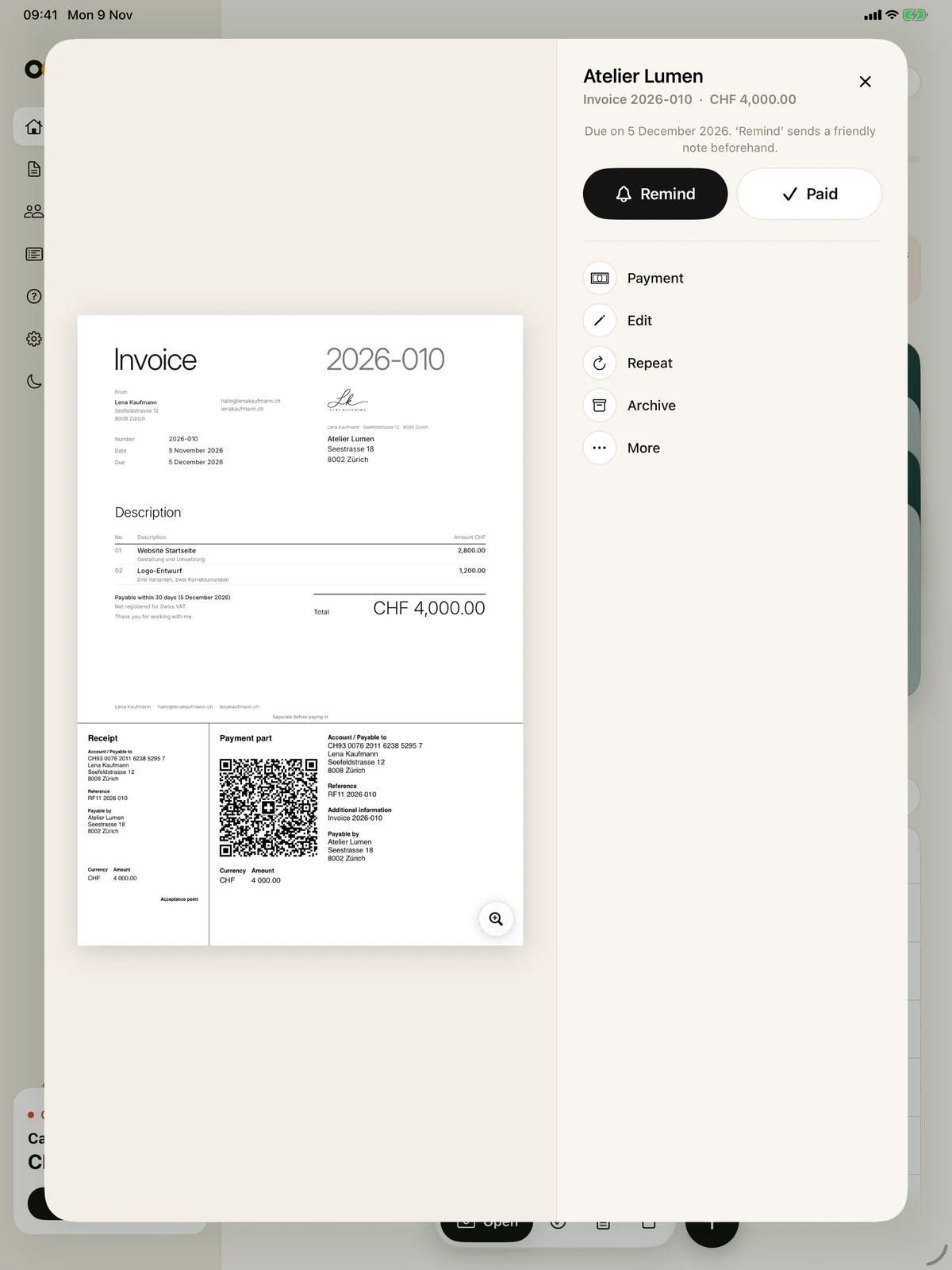
One click on the magnifier opens the invoice at full size, exactly as your customer receives it. «Done» takes you back.
Move your mouse over the invoice
Paidoo follows your Mac’s appearance. In the sidebar you switch with one click.
Drag the slider
The main commands are in the «File» menu, with shortcuts. They also work on iPad with a keyboard.
From the open invoice you send the reminder, with a ready text in the customer’s language.
More room for the invoice when you need it.
Your most important customers are at the top of the list.
For each customer you choose how to address them in emails and reminders.
Paidoo lets you know when an invoice is due. From the open invoice you write the next stage with one click, and you decide on the text, deadline and fee.
Paidoo runs on iPhone, iPad and Mac. With the same Apple ID and iCloud sync, you have your invoices, customers and details on all your devices. The data is stored in your own iCloud, not with us.
Everything synced through your iCloud.
The first 5 invoices are free. After that you buy Paidoo Pro once, and with the same Apple ID it works on iPhone, iPad and Mac. No subscription, nothing to cancel.
Yes, on Mac from macOS 26. There, Paidoo has a sidebar, tables and a large preview.
No. With the same Apple ID, Paidoo Pro works on iPhone, iPad and Mac. There is no subscription.
Yes, with iCloud sync and the same Apple ID. Paidoo syncs through your own iCloud. Without iCloud, you take your data with you in a backup file.
⌘N for a new invoice, ⇧⌘N for a new quote and ⌘, for the settings.
Yes, just like on the iPhone: with a QR payment part to the Swiss standard, in CHF or EUR, as a PDF to send or print.
On your Mac and, with iCloud sync, in your own iCloud. Paidoo has no server and no account.
No. Paidoo is available for iPhone, iPad and Mac.
Yes. Paidoo knows the VAT rates of 25 countries and the required details for Switzerland, Liechtenstein, Germany and Austria. It writes invoices in 22 languages and 10 currencies, for businesses in the EU also with reverse charge. The QR payment part is for senders in Switzerland and Liechtenstein, elsewhere your customers pay by bank transfer to your IBAN.