
No subscription
Invoice app with no subscription: pay once, write with no monthly fee.
Write invoices on your iPhone with no subscription and no account. 5 invoices free, then CHF 29 once. Your data stays with you.
- 5 invoices free
- No subscription
- No account

In short
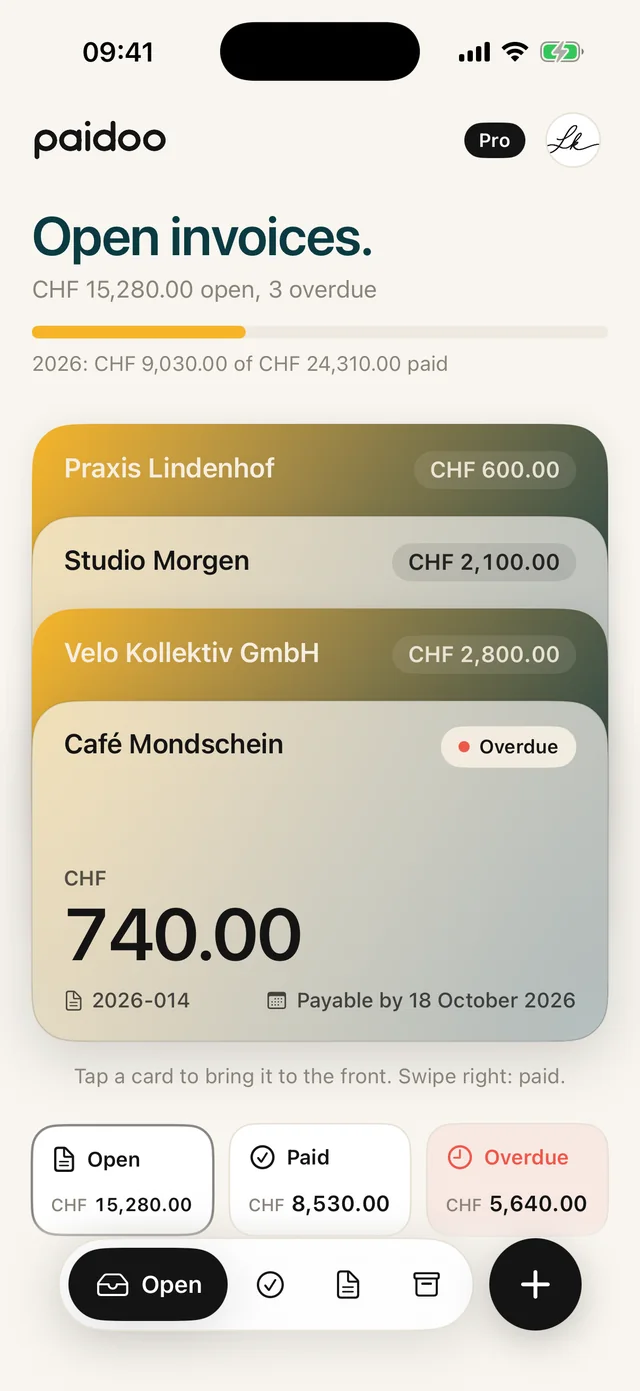
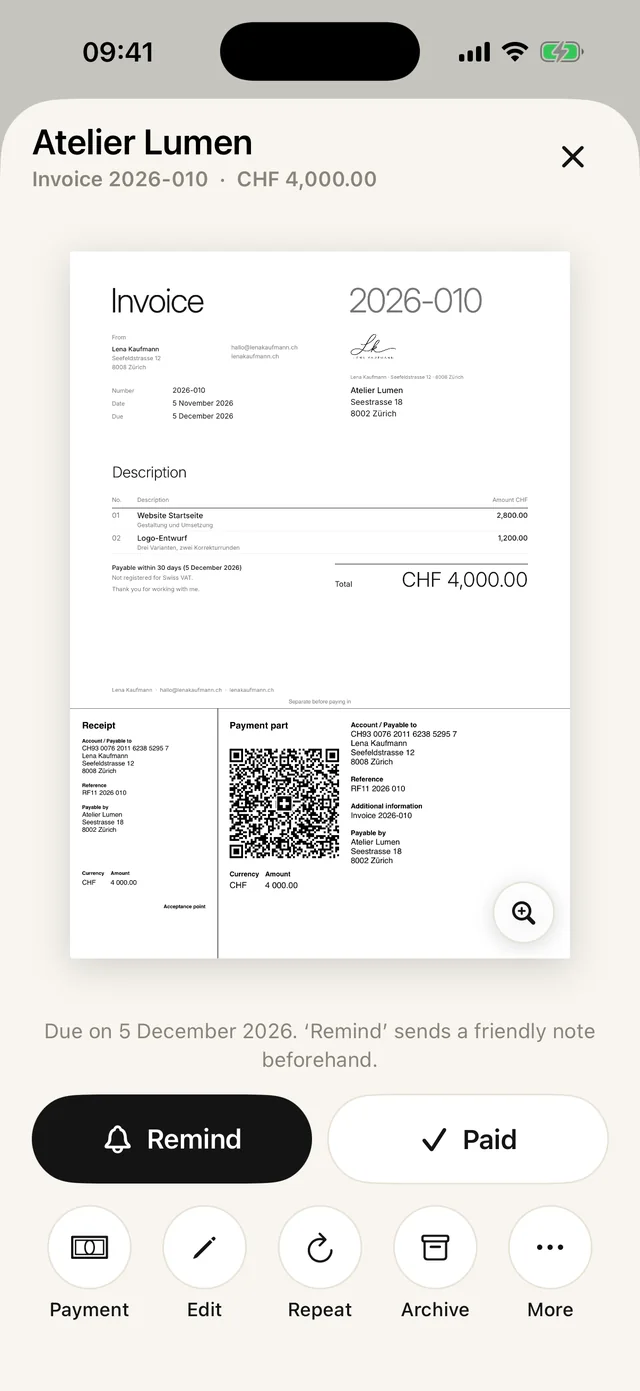
Paidoo is an invoice app for iPhone, iPad and Mac that works without a subscription and without an account. Your first five invoices are free. If you need more, you buy Paidoo Pro just once, and it is all yours.
iNo guarantee. We explain the basics to the best of our knowledge, as of November 2026. The information applies to Switzerland unless stated otherwise. Laws, rates and thresholds change and depend on your situation. This is not legal or tax advice. If in doubt, ask your tax office or a professional.
Why almost every invoice app has a subscription
Most invoicing programs run on the provider’s server. You create an account, your invoices are stored there, and you pay every month or every year to keep it running. For a company with lots of invoices, that can make sense.
But if you only write a few invoices a month, for a side job, classes or your club, you soon pay more for the software than you need to. Before you subscribe, also check whether you can still get to your old invoices after cancelling.
How Paidoo is different
- No subscription: start for free, then buy Pro once. Paidoo Pro costs CHF 29 once (29.99 EUR in the EU), with no subscription.
- No account: no sign-up, no email address, no password.
- No server of ours: customers, services and invoices are stored on your device and, as long as iCloud sync is on, in your own iCloud. Sync is on by default and can be switched off.
- Nothing gets lost: what you have written stays open, even without Pro. You can still view, send and print it.
What is included in Free and Pro
| Free | Pro | |
|---|---|---|
| Invoices | the first 5 | unlimited |
| Quotes, reminders, payment reminders | yes | yes |
| QR payment part (Switzerland, Liechtenstein) | yes | yes |
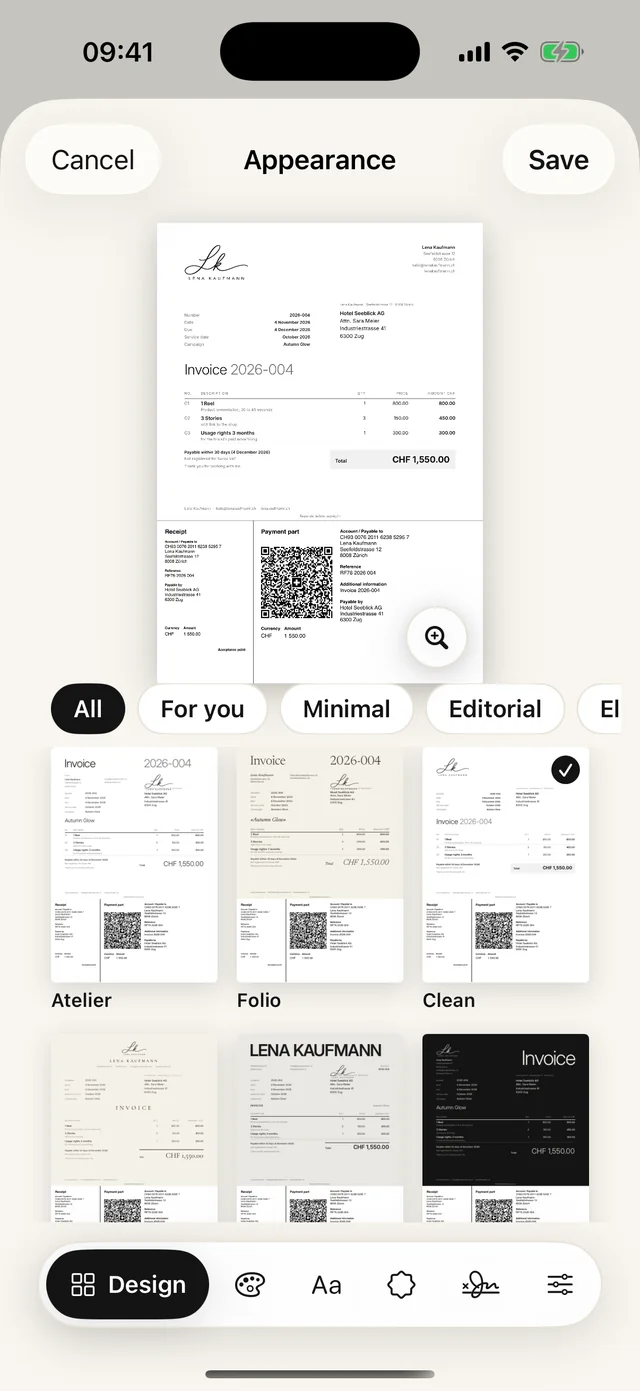
| Designs | a selection | all 100 |
| Your own logo and colour | no | yes |
| Delivery notes and receipts | no | yes |
| Watermark or ads | none | none |
What counts towards the free invoices
Only finished invoices count. Plenty of other things you write for free, as often as you like.
- Quotes do not count.
- Credit notes, reminders and payment reminders do not count.
- If you cancel an invoice and write a corrected one, the new one does not count.
- If you delete an invoice, you do not get a free invoice back.
Paidoo shows how many you have left on the home screen, for example «3 free left».
Buying Pro and taking it along
- 01Open the settings
On the iPhone, tap the person icon top right. On the Mac, press ⌘,. That is where you find the «Pro» section.
- 02Buy it once
You pay through the App Store with your Apple ID. The App Store shows you the exact price, which can vary by country.
- 03Use it on all devices
Pro works with the same Apple ID on iPhone, iPad and Mac. You only buy it once.
- 04New device
Paidoo usually recognises Pro by itself when it starts. If not, tap «Restore previous purchase» under «Pro». It then says «Pro is active».
In Paidoo
How it works, in three steps.
- 1Get the app
Download Paidoo from the App Store and open it. There is nothing to register.
- 2Set up once
Enter your country, name, address and IBAN. Paidoo asks what you do and suggests matching items.
- 3Write the invoice
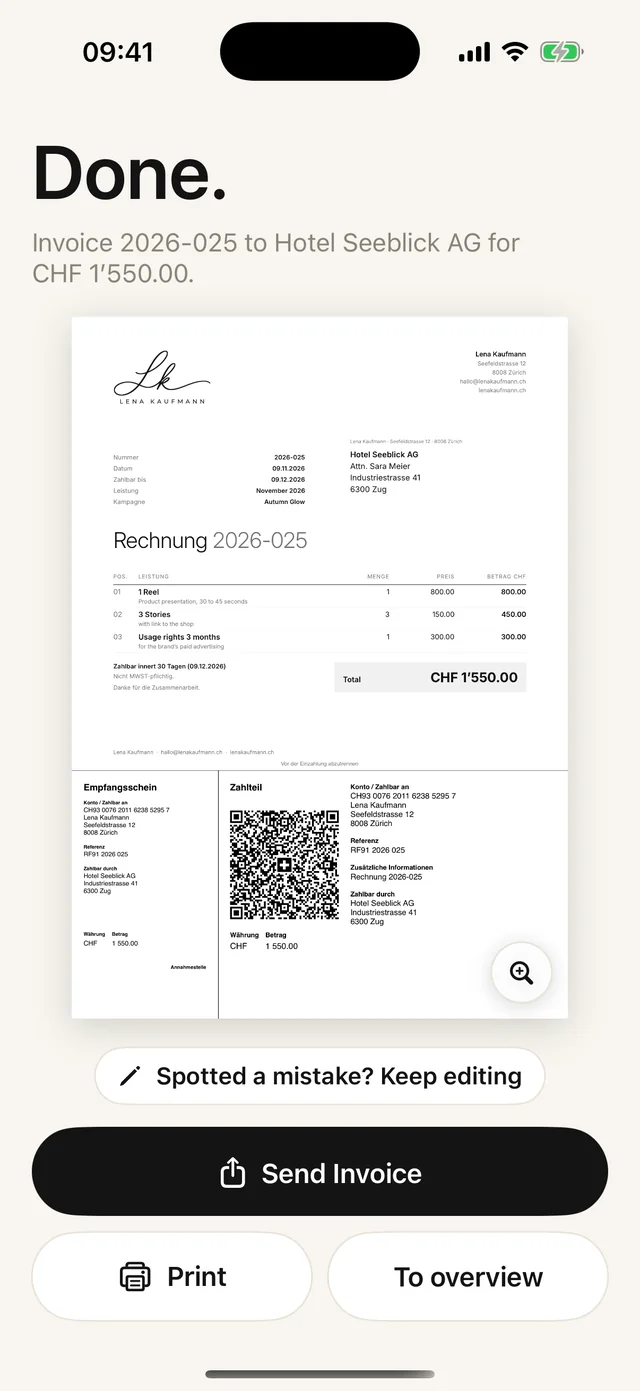
Choose a customer, tap the items, done. Send it as a PDF or print it.
Questions
Frequently asked questions.
Write to us. We answer personally, usually the same day.
support@paidoo.appIs there an invoice app without a subscription?
Yes. Paidoo works without a subscription: your first five invoices are free, then you buy Paidoo Pro once for CHF 29 (29.99 EUR in the EU). There is no monthly or yearly fee.
Do I need an account or an email address?
No. Paidoo has no account and no sign-in. You open the app and start writing.
Where are my invoices stored?
On your device and, as long as iCloud sync is on, in your own iCloud. Sync is on by default and can be switched off. We have no server and see none of it.
What happens if I change my iPhone?
With iCloud sync turned on, your data is back on the new device. Without iCloud, you create a backup in Paidoo and restore it on the new iPhone. You restore Pro through the App Store.
What happens after the five free invoices?
Your invoices stay as they are. You can still view, share and print them. You only need Paidoo Pro for new invoices.
Do I have to buy Pro on every device?
No. Pro is a one-off purchase for your Apple ID and works on iPhone, iPad and Mac. On a new device, use «Restore previous purchase» in the settings under «Pro».
Can I try Paidoo first?
Yes. The app is free, and you write your first 5 invoices without Pro, with no watermark and no ads. Quotes do not count towards them, so you can try out the steps and designs without using up a free invoice.
You do the work.Paidoo does the invoice.
Invoices in a minute on the iPhone, iPad and Mac. No account, no subscription, your data stays with you. The first 5 invoices are free, Pro is a one-off CHF 29.