
Getting started
Write an invoice for free: what is really free.
Writing an invoice for free in Switzerland: which ways there are, what is free in Paidoo and what to watch out for with free offers.
- 5 invoices free
- No subscription
- No account

In short
In Switzerland you can write an invoice for free, for example with a template or with the free version of an app. In Paidoo the first 5 invoices are free, with a QR-bill payment part and no watermark. Quotes, credit notes and payment reminders cost nothing and do not count towards them.
iNo guarantee. We explain the basics to the best of our knowledge, as of November 2026. The information applies to Switzerland unless stated otherwise. Laws, rates and thresholds change and depend on your situation. This is not legal or tax advice. If in doubt, ask your tax office or a professional.
Ways to a free invoice
- Template: you write the invoice in Word, Pages or another program. You create the QR-bill payment part separately, many banks offer a generator for it.
- Free version of an app: many invoicing apps have a free version with limits, for example on the number of invoices or with a watermark.
- Paidoo: the first 5 invoices are free, with a QR-bill payment part and the usual required details.
What is free in Paidoo
| What | Free |
|---|---|
| Downloading and setting up the app | yes |
| Invoices with a QR-bill payment part | the first 5 |
| Quotes and credit notes | yes, they do not count towards the 5 |
| Reminder, payment reminder, final reminder | yes |
| Designs | a selection |
| Watermark or ads | none |
| Existing invoices after the 5 | stay available, sharing and printing still work |
What to watch out for with free offers
- Is there a watermark or an ad on the invoice?
- Do you need an account, and what happens to your data?
- Can you still get to your invoices later without paying?
- Does the offer create the QR-bill payment part to the Swiss standard?
- What does it cost if you need more, and is that a subscription?
When Paidoo Pro is worth it
If you write more than 5 invoices or want your logo, your colour, delivery notes or receipts, you buy Paidoo Pro once: CHF 29, or 29.99 EUR in the EU. There is no subscription and nothing to cancel.
Your first invoice in Paidoo
- 01Who
Type your customer’s name and address or pick them from your contacts.
- 02What
Tap your items and adjust the price. Paidoo suggests building blocks that suit your kind of work. Along the way, the «Design» button lets you choose the look, for free from 17 of the 100 designs.
- 03Check
Check the date, payment deadline and language. Paidoo shows whether everything that needs to be on it is there.
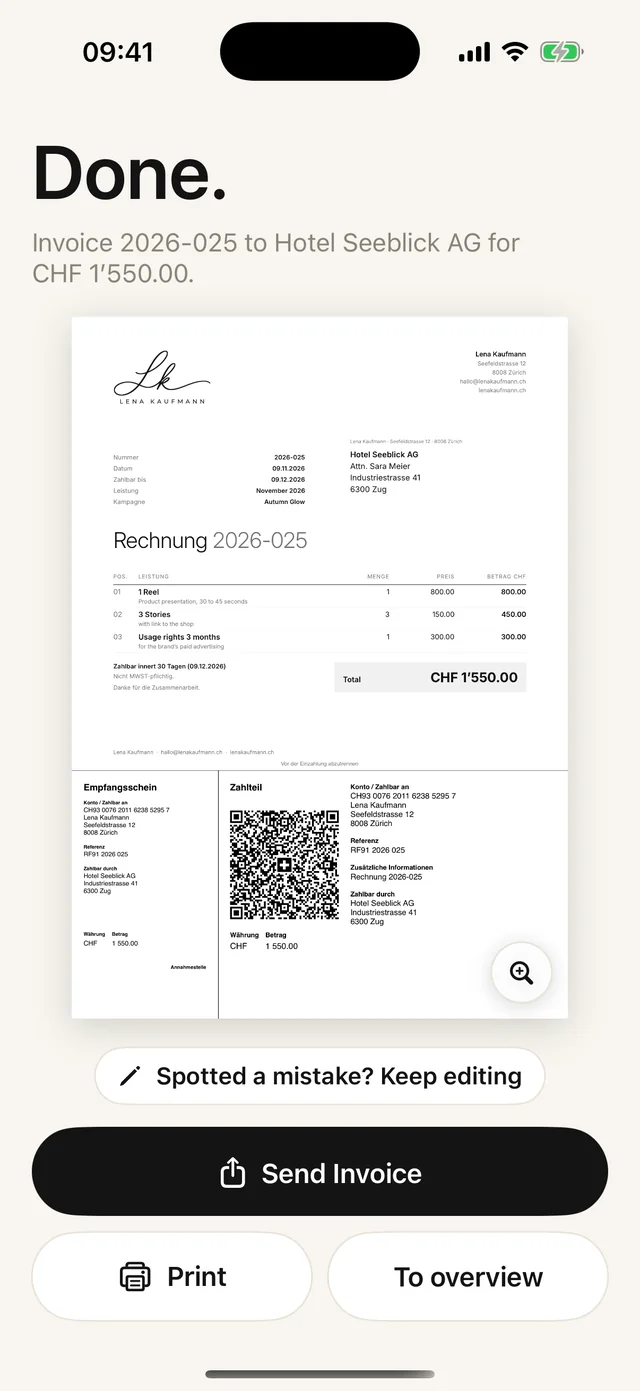
- 04Done
Tap «Finish invoice» to create the PDF, with no watermark. Only now does the invoice count towards the 5.
What counts towards the 5
- Only finished invoices count, not ones you have started.
- If you spot a mistake right afterwards, tap «Spotted a mistake? Keep editing». The number stays, and no new invoice is counted.
- If you cancel an invoice and write a corrected one, the corrected one does not count.
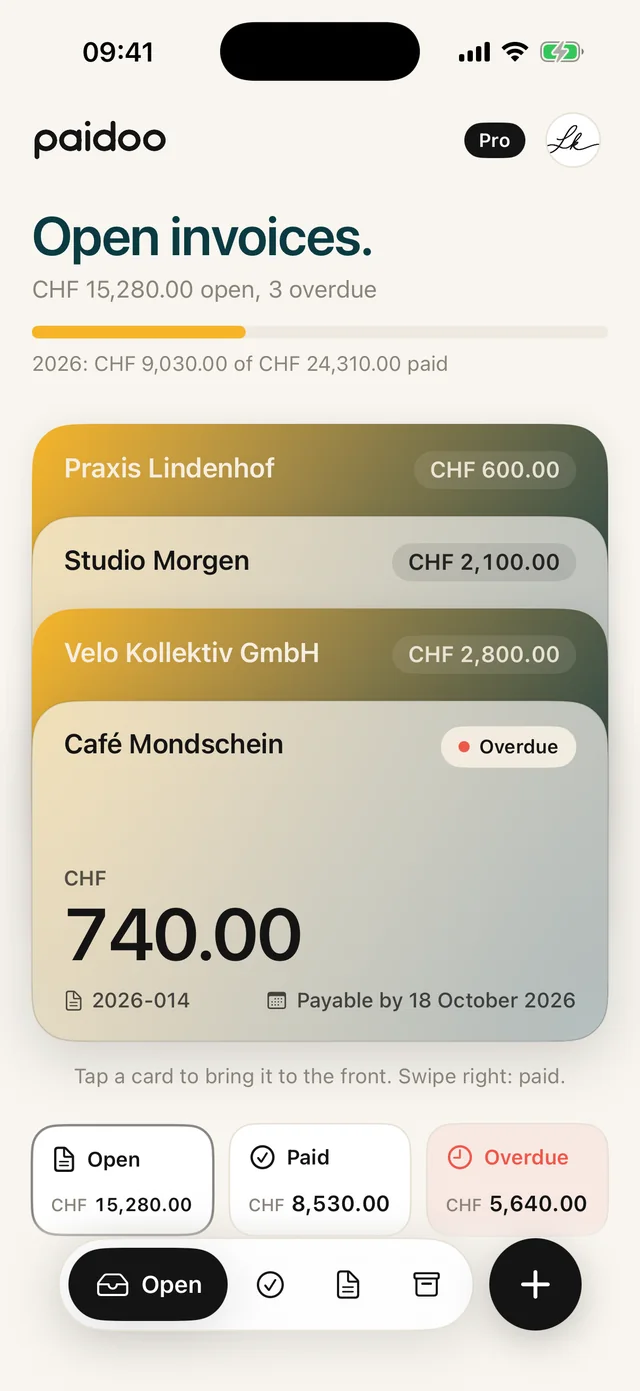
- Paidoo shows how many you have left on the home screen, for example «3 free left».
«Delete everything» in the settings does not reset the counter either. The deleted data is gone, and the free invoices you used stay counted.
In Paidoo
How it works, in three steps.
- 1Download the app
Get Paidoo from the App Store for free. No account needed.
- 2Set it up
Enter your name, address and IBAN. Paidoo checks the IBAN as you type.
- 3Write for free
You write the first 5 invoices for free, with a QR-bill payment part and as a PDF to send.
Questions
Frequently asked questions.
Write to us. We answer personally, usually the same day.
support@paidoo.appCan I write an invoice for free?
Yes. With a template or with the free version of an app. In Paidoo the first 5 invoices are free, with no watermark and with a QR-bill payment part.
Does the QR-bill payment part cost anything?
Not in Paidoo. It is included on the 5 free invoices too. Your normal IBAN is enough, you do not need a QR-IBAN.
How many invoices can I write for free with Paidoo?
Five. Quotes, credit notes, reminders and payment reminders do not count. Deleted invoices do not give you a free invoice back.
What happens after the 5 free invoices?
Your invoices stay as they are. You can still view, share and print them. For new invoices you need Paidoo Pro, CHF 29 once.
Are there ads in the free version?
No. Paidoo has no ads and puts no watermark on your invoices.
Do I have to create an account for Paidoo?
No. There is no account and no sign-up, not in the free version either.
Which designs are free?
For free you choose from 17 of the 100 designs. With Paidoo Pro all 100 are open to you, plus your own logo, your colour, paper and font.
You do the work.Paidoo does the invoice.
Invoices in a minute on the iPhone, iPad and Mac. No account, no subscription, your data stays with you. The first 5 invoices are free, Pro is a one-off CHF 29.