
Help
Customer cannot pay: how to help.
QR code not working, invoice not received or wrong amount? Here is how to help your customer pay, in a friendly way and without much effort.
- 5 invoices free
- No subscription
- No account

In short
Usually there is no bad intention behind it, just a small thing: the QR code cannot be read, the email landed in spam or the amount is wrong. Here you find the most common reasons and what you can do.
iNo guarantee. We explain the basics to the best of our knowledge, as of November 2026. The information applies to Switzerland unless stated otherwise. Laws, rates and thresholds change and depend on your situation. This is not legal or tax advice. If in doubt, ask your tax office or a professional.
The most common reasons at a glance
| What is going on | What helps |
|---|---|
| The QR code cannot be scanned | A normal bank transfer, the IBAN and amount are on the invoice |
| The customer does not live in Switzerland or Liechtenstein | A transfer to the IBAN shown on the invoice |
| The invoice did not arrive | Check the spam folder or send it again another way |
| The amount is wrong | Cancel the invoice and write a corrected one |
| The customer pays in instalments | Record each payment as a partial payment |
The QR code cannot be scanned
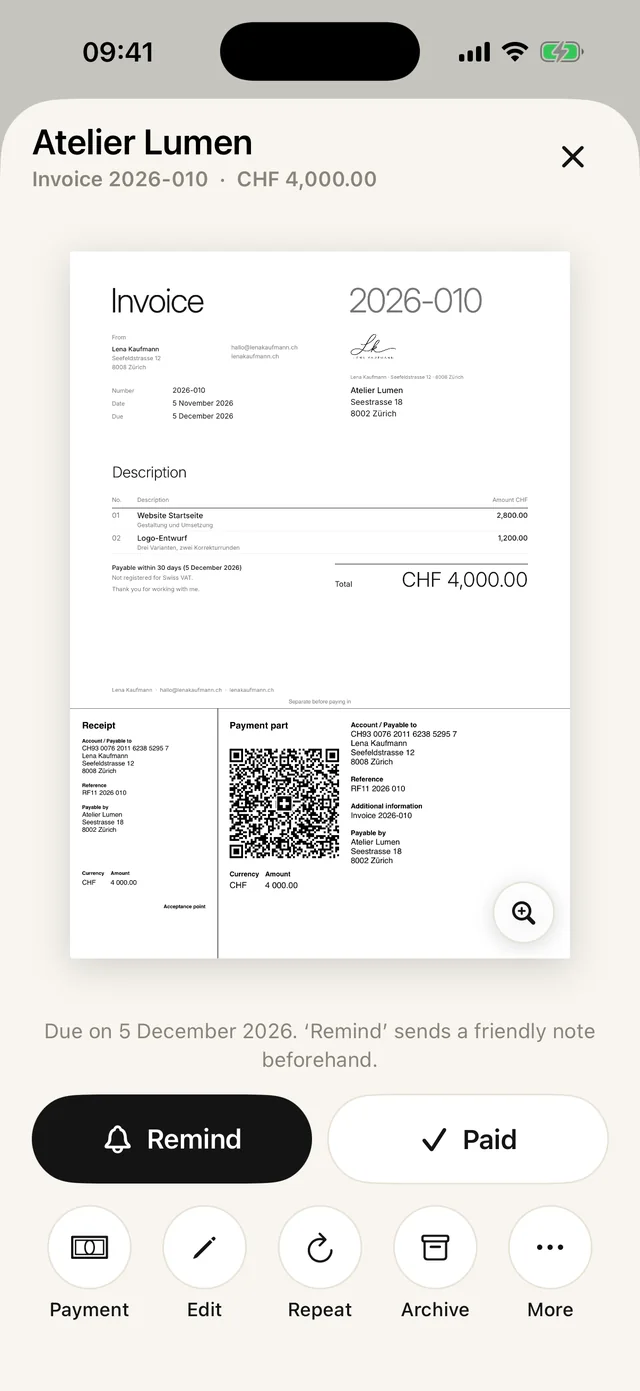
The QR code on your invoice belongs to the Swiss QR bill. Your customer’s banking app has to be able to read it. Banking apps outside Switzerland and Liechtenstein usually cannot.
Your customer can still pay, with a normal bank transfer. The IBAN and amount are on the invoice. Ideally she adds the invoice number as the payment message.
The QR payment part only comes with invoices in Swiss francs or euros. If you invoice in another currency, your customer always pays by transfer.
The invoice did not arrive
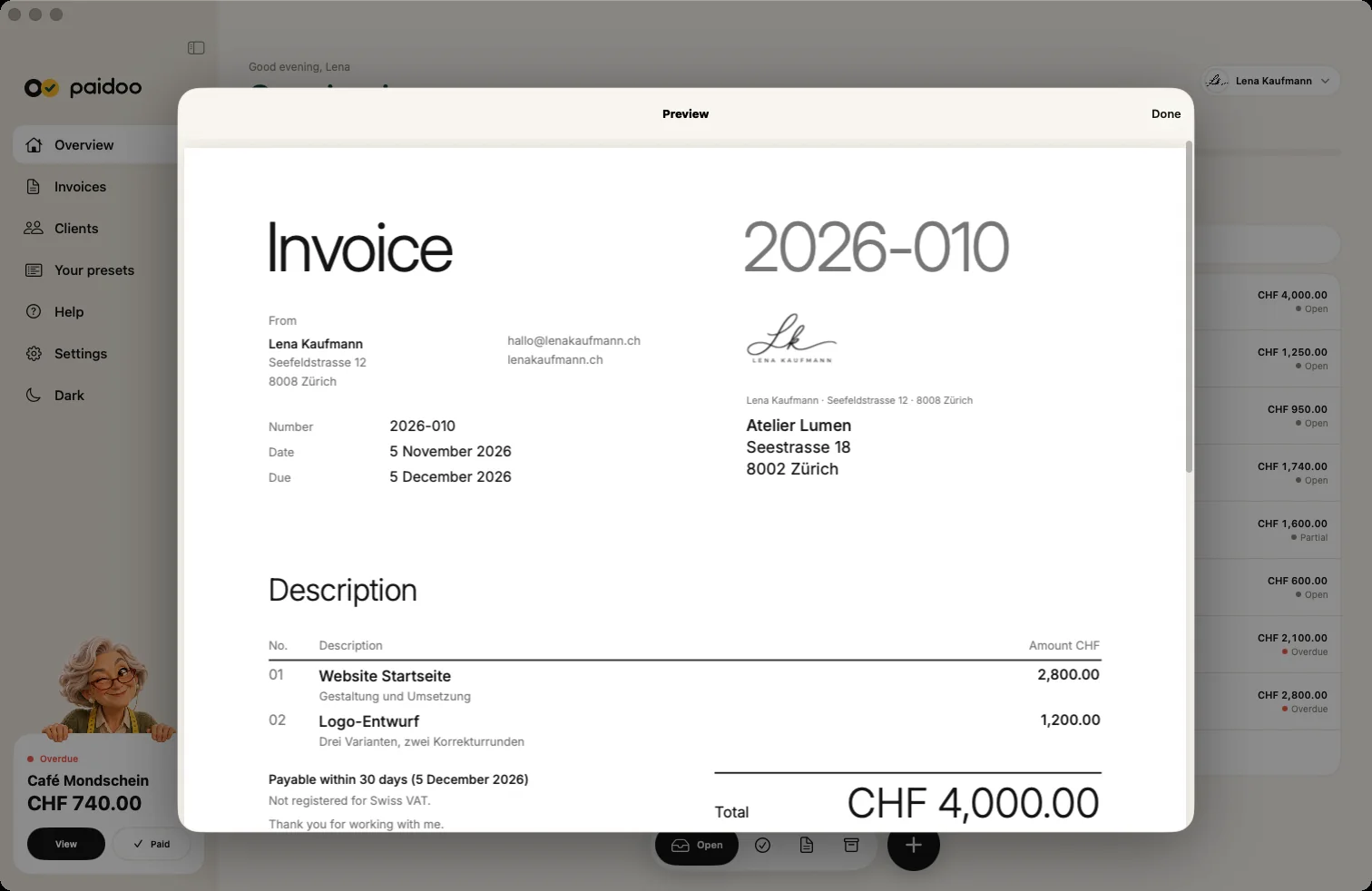
Ask your customer to look in her spam folder. Emails with a PDF sometimes end up there.
Otherwise simply send the invoice again, another way: for example as a message or via WhatsApp instead of by email. You can also print it and hand it over in person.
The amount is wrong
If an invoice you sent contains a mistake, it is best to cancel it. Paidoo creates a credit note for the full amount. If you like, a corrected copy opens straight away, which you then send again. That way everything stays clear and traceable.
If you only charged part of it too much, a credit note for that part is enough, with a reference to the invoice. More on this in our guides on cancelling an invoice and creating a credit note.
The customer only pays part
Sometimes people cannot pay everything at once. Talk about it openly and agree on instalments if that works for you.
Record each payment as a partial payment. The invoice then shows «Already paid» and «Balance due». So you always see what is missing, and the rest stays open until it is paid.
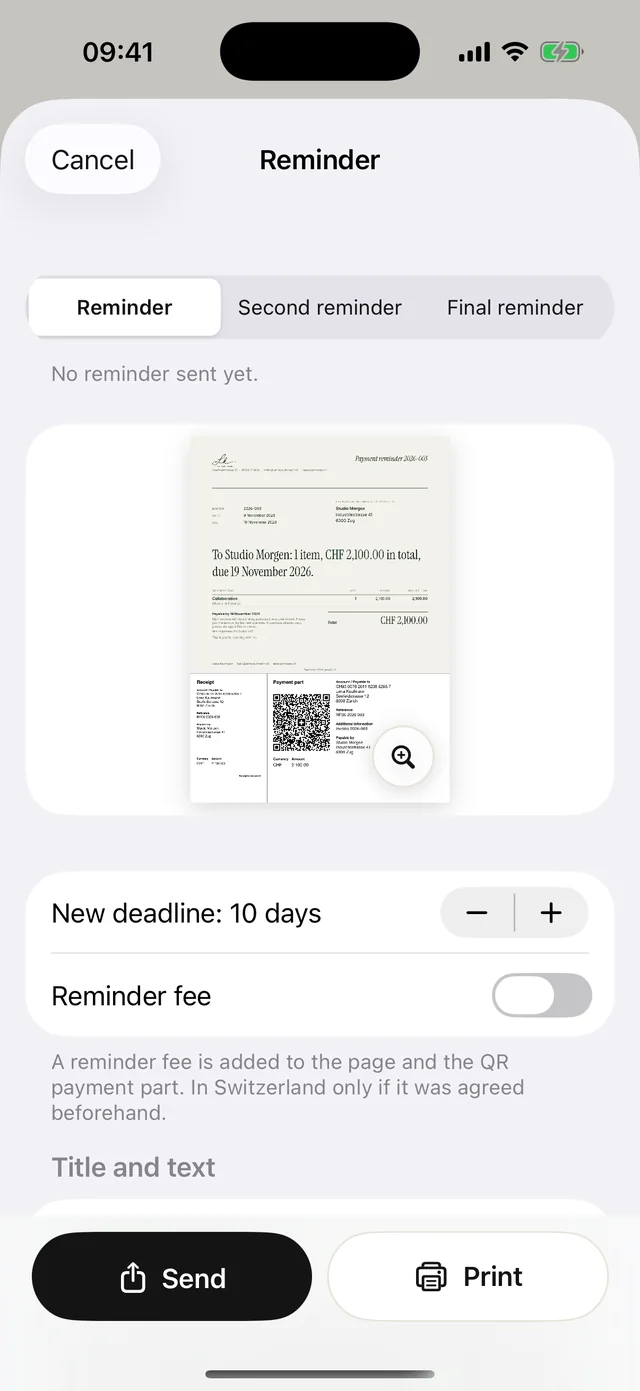
If a payment does not come at all, a friendly reminder helps first. Only later do a dunning letter and a final notice follow. More on this in our guide on writing a payment reminder.
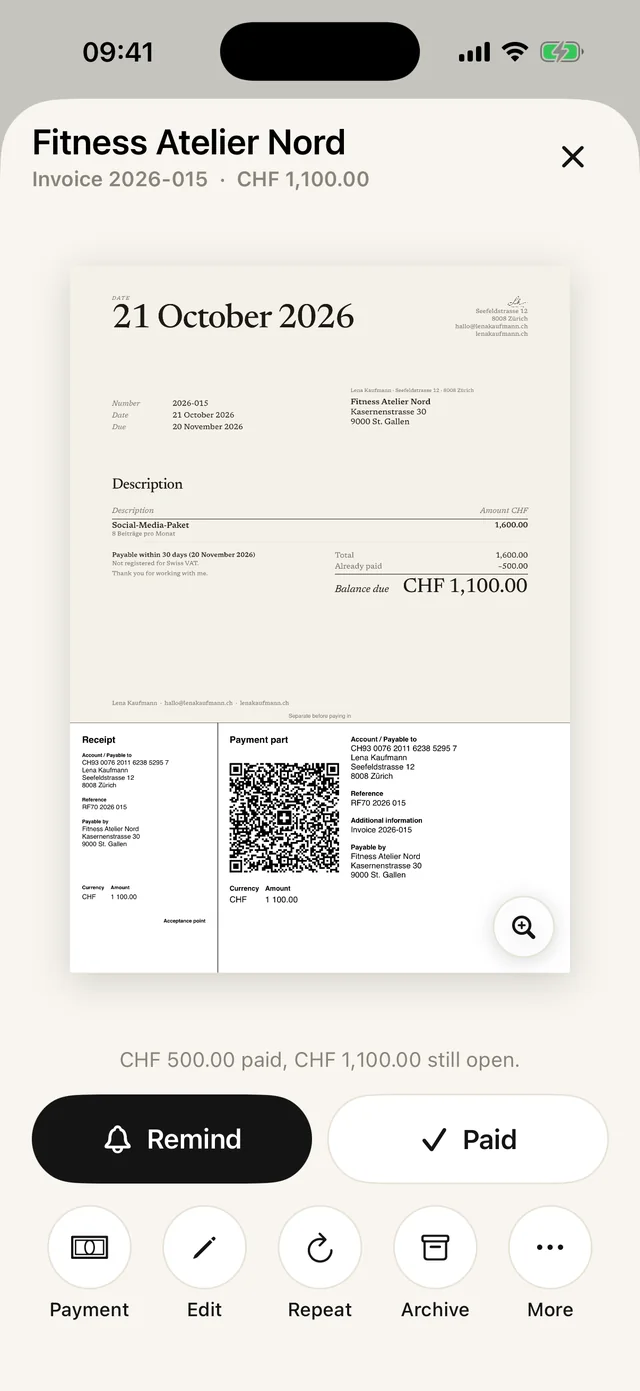
Agree on fair instalments
- 01Agree
Agree on amounts and dates and note them down briefly, for example in a message.
- 02Quote the invoice number
Ask your customer to add the invoice number as the payment message for each instalment.
- 03Record each instalment
Enter each instalment in Paidoo as a partial payment as soon as it is in your account.
- 04Remind if late
If an instalment does not come, the next reminder only asks for the remaining balance. If the invoice has a QR payment part, the same applies there.
Before you ask
- Has the money perhaps already arrived? Some people pay without the invoice number. Search your account for the amount or the name.
- Have you recorded the payment yet? Otherwise the invoice looks open although it has been paid.
- Is the IBAN on the invoice correct? Compare it with your bank statement.
- After a cancellation, does your customer have the right invoice? Only the new one applies.
In Paidoo
How it works, in three steps.
- 1Ask kindly
Ask your customer where the problem is: the QR code, the email or the amount.
- 2Offer another way
A transfer to the IBAN instead of the QR code, the invoice as a message instead of by email.
- 3Keep a clean record
Record partial payments and correct mistakes with a cancellation or a credit note.
Questions
Frequently asked questions.
Write to us. We answer personally, usually the same day.
support@paidoo.appWhy can my customer in Germany not scan the QR code?
The QR code belongs to the Swiss QR bill. Banking apps outside Switzerland and Liechtenstein usually cannot read it. Your customer then pays by transfer to the IBAN shown on the invoice.
Can I send an invoice again?
Yes. You can share the PDF again at any time, by email, as a message, via WhatsApp or AirDrop. Or you print it.
What do I do if the amount is wrong?
Cancel the invoice and write a corrected one. Paidoo creates a credit note for the full amount. The corrected invoice does not count towards your 5 free invoices.
How do I record that part has already been paid?
Record the payment as a partial payment. The invoice then shows what has already been paid and what is still open.
Can I write a deposit or interim invoice?
No, Paidoo cannot do that. But you can record every payment as a partial payment, and the rest stays open.
Can I undo a payment I recorded by mistake?
Yes. You can delete single payments again where you record payments for the invoice. With «Not paid after all» the whole invoice is open again.
What if my customer transferred too much?
If you record more than is open, the invoice counts as paid. It is best to talk about the difference directly with your customer.
You do the work.Paidoo does the invoice.
Invoices in a minute on the iPhone, iPad and Mac. No account, no subscription, your data stays with you. The first 5 invoices are free, Pro is a one-off CHF 29.