
Help
Report a bug: how we help you quickly.
Something not working in Paidoo? Write to support@paidoo.app. How to describe the problem so we can help quickly, and what to leave out.
- 5 invoices free
- No subscription
- No account

In short
Something is not working as it should, or you have a question? Write to us at support@paidoo.app. We answer personally, usually the same day. With a few details we find the problem faster.
iNo guarantee. We explain the basics to the best of our knowledge, as of November 2026. The information applies to Switzerland unless stated otherwise. Laws, rates and thresholds change and depend on your situation. This is not legal or tax advice. If in doubt, ask your tax office or a professional.
How to reach us
Send an email to support@paidoo.app. That works for questions, bugs, ideas and wishes. We answer personally, usually the same day.
Paidoo has no account and no server. So we cannot look into your data, and that is a good thing. All the more your description helps us.
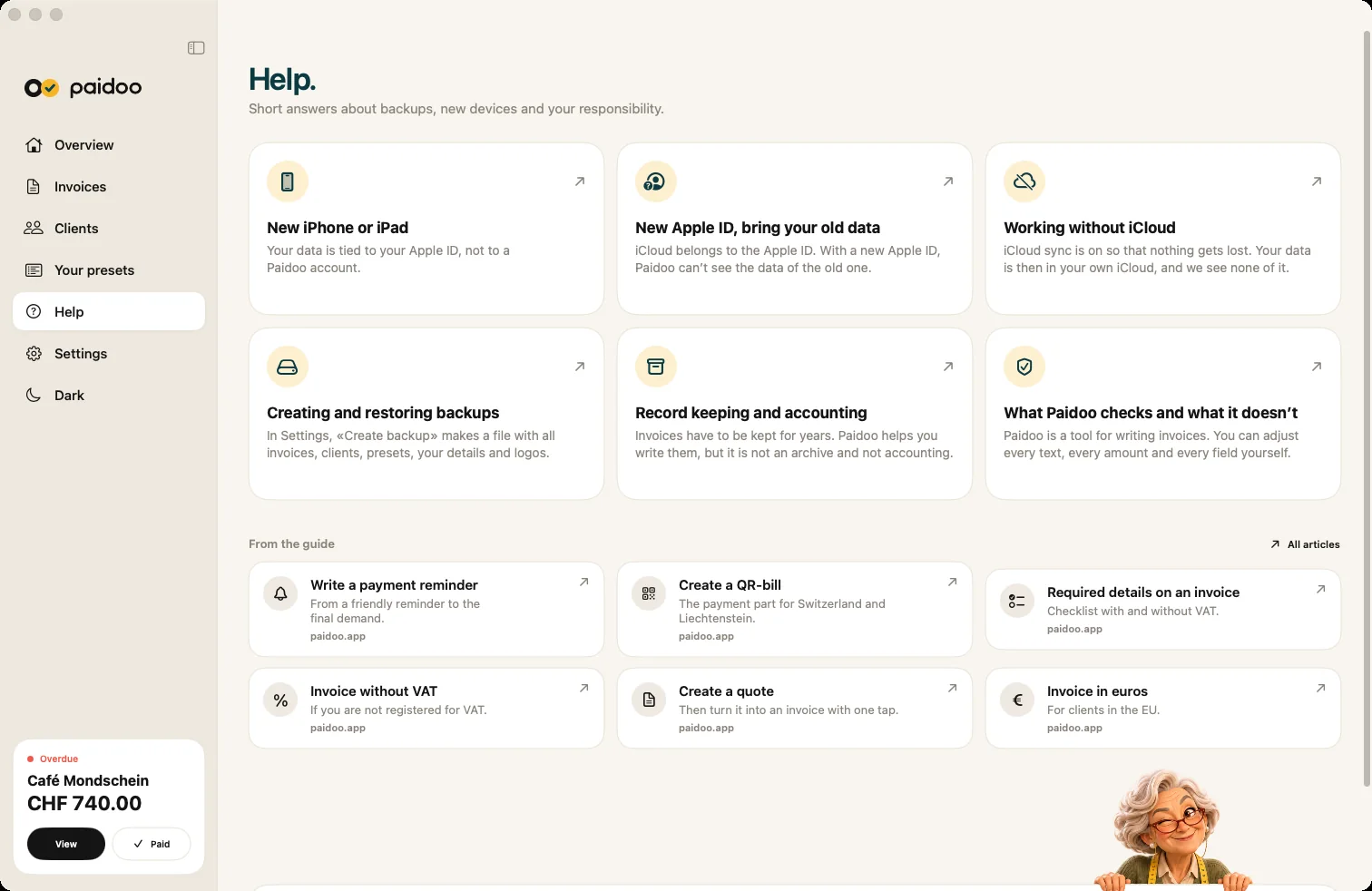
You will find many answers beforehand: in the app under Settings, «Help», and on paidoo.app/help. They cover a new device, a new Apple ID, iCloud, backups and record keeping.
What helps us help you
- Your device, for example iPhone or iPad, and which model.
- The iOS version. You find it in the iPhone settings under General, then About.
- What you did, briefly and in order, and what happened then.
- A screenshot of the problem. Cover your customers’ names, addresses and amounts first.
Better not send us this
- Passwords or codes, not even your code for the app lock. We never ask for them.
- Whole customer lists or the accounting package.
- Your backup file. It contains all your invoices and customers.
- Your customers’ bank details.
Purchase and refunds
We are happy to answer questions about Pro. But we cannot issue a refund ourselves, because Apple handles the purchase. You request it directly through Apple.
Quick checks first
Often it is something small. These points help even before you email us:
- Latest version: update Paidoo in the App Store and restart the app.
- Data missing on a device: check that «Sync with iCloud» is switched on and that the same Apple ID is signed in everywhere. On iPhone, pull down on the home screen to fetch the latest state.
- Pro missing: in the settings, tap «Restore previous purchase» under «Pro».
- No QR payment part: it only exists for senders in Switzerland and Liechtenstein, in CHF or EUR. If details are missing for it, Paidoo shows what is missing at the «Check» step.
If that does not help, write to us and tell us what you have already tried.
In Paidoo
How it works, in three steps.
- 1Describe it briefly
What did you do, and what happened then?
- 2Add the details
Device, iOS version and a screenshot without customer data.
- 3Send the email
To support@paidoo.app. We answer personally, usually the same day.
Questions
Frequently asked questions.
Write to us. We answer personally, usually the same day.
support@paidoo.appHow quickly do you answer?
We answer personally, usually the same day.
Can you restore my invoices?
Unfortunately not. Your data is on your device and, with iCloud sync, in your own iCloud. We have no copy. You can get it back from your iCloud, a backup file or an iPhone backup. Deleted documents stay under «Recently Deleted» for 30 days. The help article «Switching iPhone» explains how.
Should I send you my backup file?
No. It contains all your invoices and customers. Describe the problem and send a screenshot without customer data.
Will you ever ask for my password?
No, never. Do not send us any passwords or codes, not even your code for the app lock.
Can I also send wishes for new features?
Yes, please do. The easiest way is the «Suggest an idea» page at the bottom of the website, or by email to support@paidoo.app.
Paidoo does not open or freezes. What can I do?
Update Paidoo to the latest version in the App Store and restart the app. If that does not help, write to support@paidoo.app with your device, iOS version and what you did last.
You do the work.Paidoo does the invoice.
Invoices in a minute on the iPhone, iPad and Mac. No account, no subscription, your data stays with you. The first 5 invoices are free, Pro is a one-off CHF 29.