
Photography
Invoices for photographers: shoot, editing, rights.
Shoot, photo editing, expenses and usage rights: how photographers write a clear invoice, with a quote first and a QR payment part. Right on your iPhone.
- 5 invoices free
- No subscription
- No account
In short
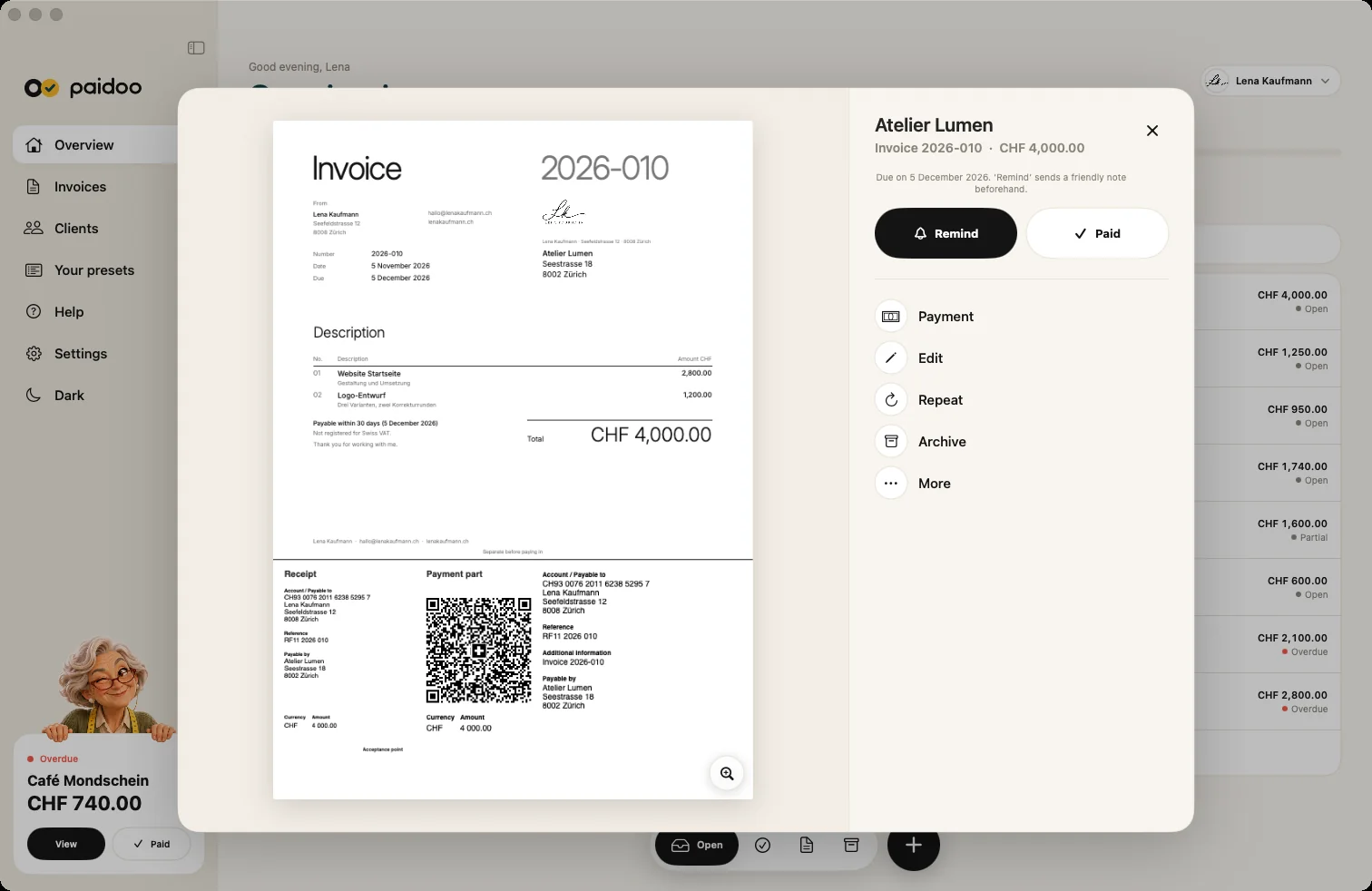
As a photographer you usually bill the shoot, the photo editing, expenses and the usage rights. It is best to agree everything in a quote first. Once the photos are delivered, one tap turns the quote into the invoice, with a QR payment part and, if you like, your logo.
iNo guarantee. We explain the basics to the best of our knowledge, as of November 2026. The information applies to Switzerland unless stated otherwise. Laws, rates and thresholds change and depend on your situation. This is not legal or tax advice. If in doubt, ask your tax office or a professional.
What goes on the invoice
- The shoot with date, place and length, or as a flat fee
- Photo editing, for example per photo or as a package
- Expenses and travel, if agreed
- Usage rights: what the photos may be used for, where and for how long
- Extras such as prints, an album or express delivery
- VAT if you are registered, otherwise none

Example: wedding coverage
| Item | Amount |
|---|---|
| Wedding coverage, 8 hours | CHF 2,400.00 |
| Photo editing, 300 photos | CHF 450.00 |
| Expenses | CHF 60.00 |
| Total | CHF 2,910.00 |
| Already paid (deposit) | CHF 500.00 |
| Still open | CHF 2,410.00 |
Quote and deposit
Especially for weddings and large jobs, you send a quote first. It sets out the services, the price, the usage rights and whether you would like a deposit.
Paidoo has no separate deposit invoice. If your customer pays part in advance, you record it on the invoice with "Record part payment". The invoice then shows what is already paid and what is still open, as in the example above.
Step by step in Paidoo
- 01Who
Choose the customer, type a new one or bring them in with "Import from Contacts".
- 02What
Tap presets such as "Shoot", "Image editing", "Wedding photography" or "Usage rights" and adjust the price. "Usage rights" already comes with a suggestion such as "Web and social media, 1 year", which you change to what you agreed.
- 03Check
Under "Appearance" you choose the design, under "Language" the language of the invoice. Paidoo shows you whether the usual required details are on it.
- 04Done
Send it as a PDF by email, WhatsApp or AirDrop, or print it.
Customers abroad
A couple from France or an agency in Germany: you choose the language per customer, and Paidoo writes invoices in 22 languages. Paidoo translates the fixed texts, you write your items yourself in your customer’s language.
You also choose the currency per invoice, for example euros. The QR payment part is an extra for senders in Switzerland and Liechtenstein. Banking apps abroad usually cannot read it. Your customer then pays by bank transfer to your IBAN, which is on the invoice.
Two offers, two looks
If you photograph weddings under one name and product photos for companies under another, add another business in Paidoo. Each one has its own details, customers, items, numbers and its own design. You switch with one tap at the top of the home screen.
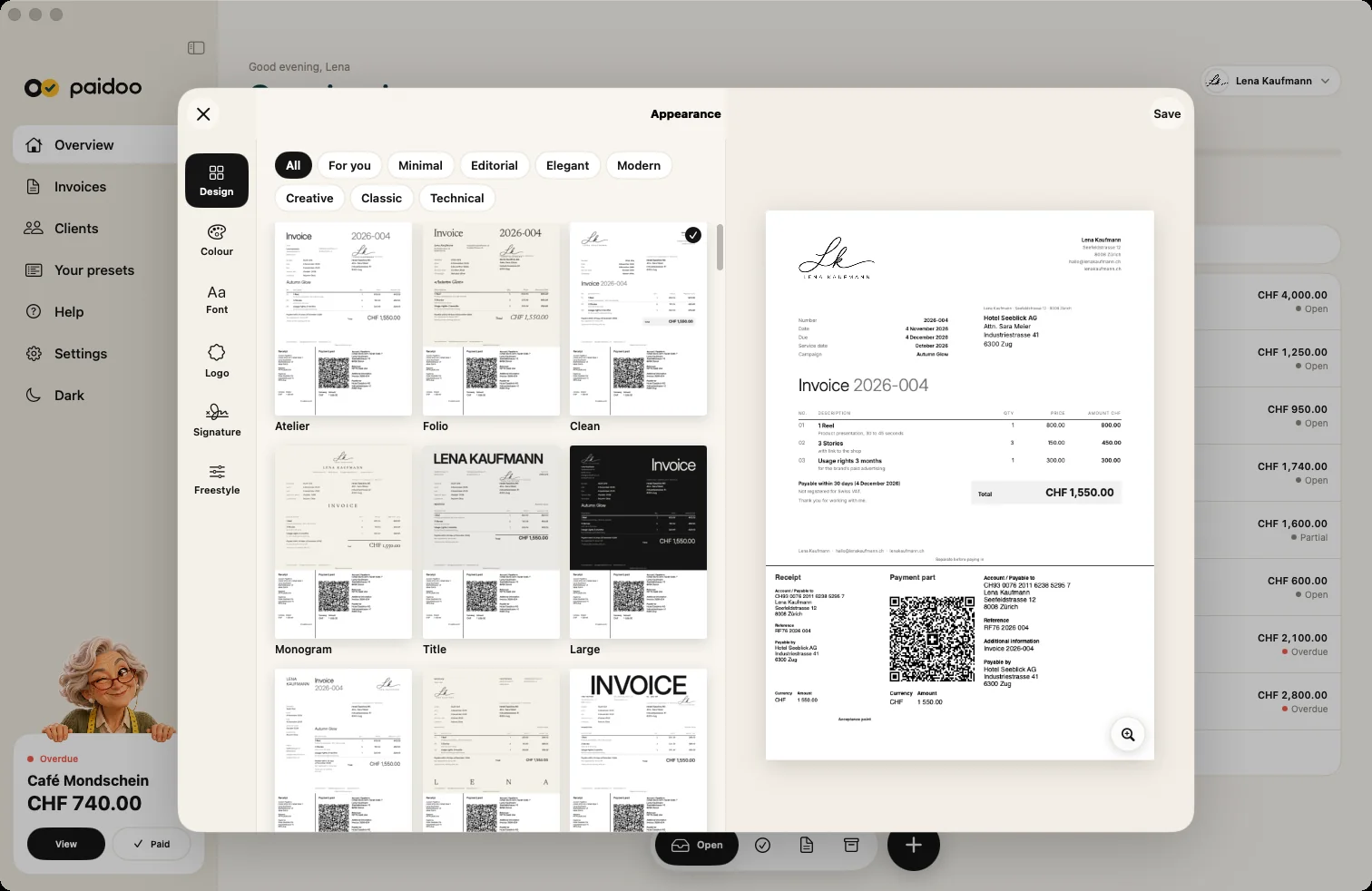
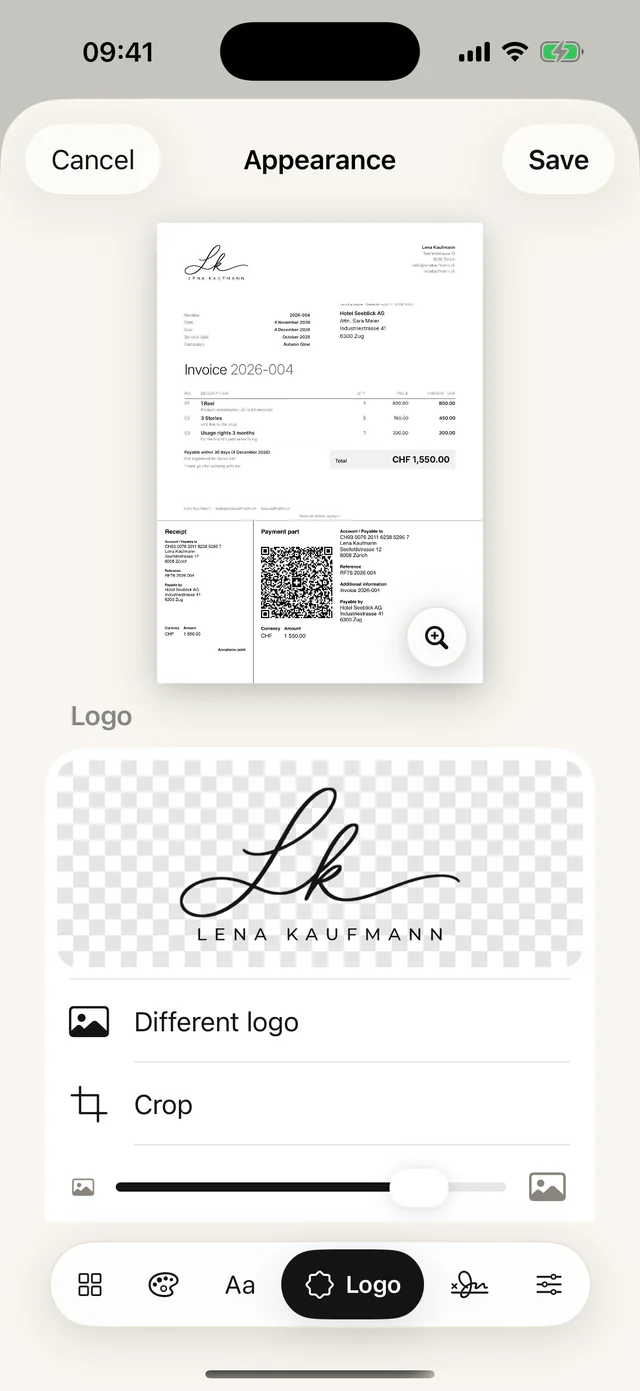
Among the 100 designs you find calm and playful ones, sorted by style. Your logo, your colour, your paper and your font come with Paidoo Pro.
In Paidoo
How it works, in three steps.
- 1Write the quote
Tap shoot, editing and expenses, adjust the price and send the quote as a PDF.
- 2Turn it into the invoice
After the job, carry the quote over into an invoice with one tap. Everything is filled in, you only check it.
- 3Record payments
Enter a deposit or instalments as partial payments. Once everything is in, you swipe the invoice to paid.
Questions
Frequently asked questions.
Write to us. We answer personally, usually the same day.
support@paidoo.appWhat do I put on my invoice as a photographer?
Your details, your customer’s details, date, number, shoot, photo editing, expenses and usage rights with amounts, plus payment deadline and payment details. With Paidoo, the QR payment part is added in Switzerland.
Should usage rights be on the invoice?
It makes sense. State what your customer may use the photos for and for how long, for example "Use on website and social media, 2 years". That avoids misunderstandings later.
Can I write a deposit invoice with Paidoo?
No, there is no separate deposit or advance invoice. You record a deposit as a partial payment on the invoice, which then shows what has already been paid and what is still open.
Do I have to charge VAT as a photographer?
Usually only from CHF 100,000 turnover a year. Below that you invoice without VAT, and Paidoo adds a note that you are not registered. If you are registered, photography is usually taxed at the standard rate of 8.1 per cent.
Can I design the invoice with my logo?
Yes, with Paidoo Pro. Logo, colour, paper and font apply to quotes and invoices. Paidoo Pro costs CHF 29 once (29.99 EUR in the EU), with no subscription.
Can I write the invoice in another language?
Yes. You choose the language per customer, and Paidoo writes invoices in 22 languages. Paidoo translates all the fixed texts itself, you write your items directly in that language.
Can I run two businesses separately?
Yes. Add another business in Paidoo. It has its own details, customers, numbers and its own design. A logo for each business comes with Paidoo Pro.
You do the work.Paidoo does the invoice.
Invoices in a minute on the iPhone, iPad and Mac. No account, no subscription, your data stays with you. The first 5 invoices are free, Pro is a one-off CHF 29.